GapGun MX+/SPC3d6 Connectivity Guide
© Third Dimension Confidential Document D11-678 Page 17
SPC3d6.0
6.2 OPEN SPC3D6
You must have SPC3d open on your PC.
6.3 YOUR COMPUTER SETTINGS
A basic knowledge of computer settings is required for setting up the GapGun MX+. Once this procedure is complete it should
not need to be done again unless there is a system change. You may also need to contact your IT department for administrative
rights to the computer you are using. If at any point during the use of your GapGun MX+ connection issues arise please follow
this procedure to check the settings before contacting Third Dimension, support@third.com.
Changing your computer network settings may require a reboot of your PC to secure the changes.
If problems arise with connection between GapGun MX+ and SPC3d6 please see ‘Trouble Shooting Connection Problems’ page
27.
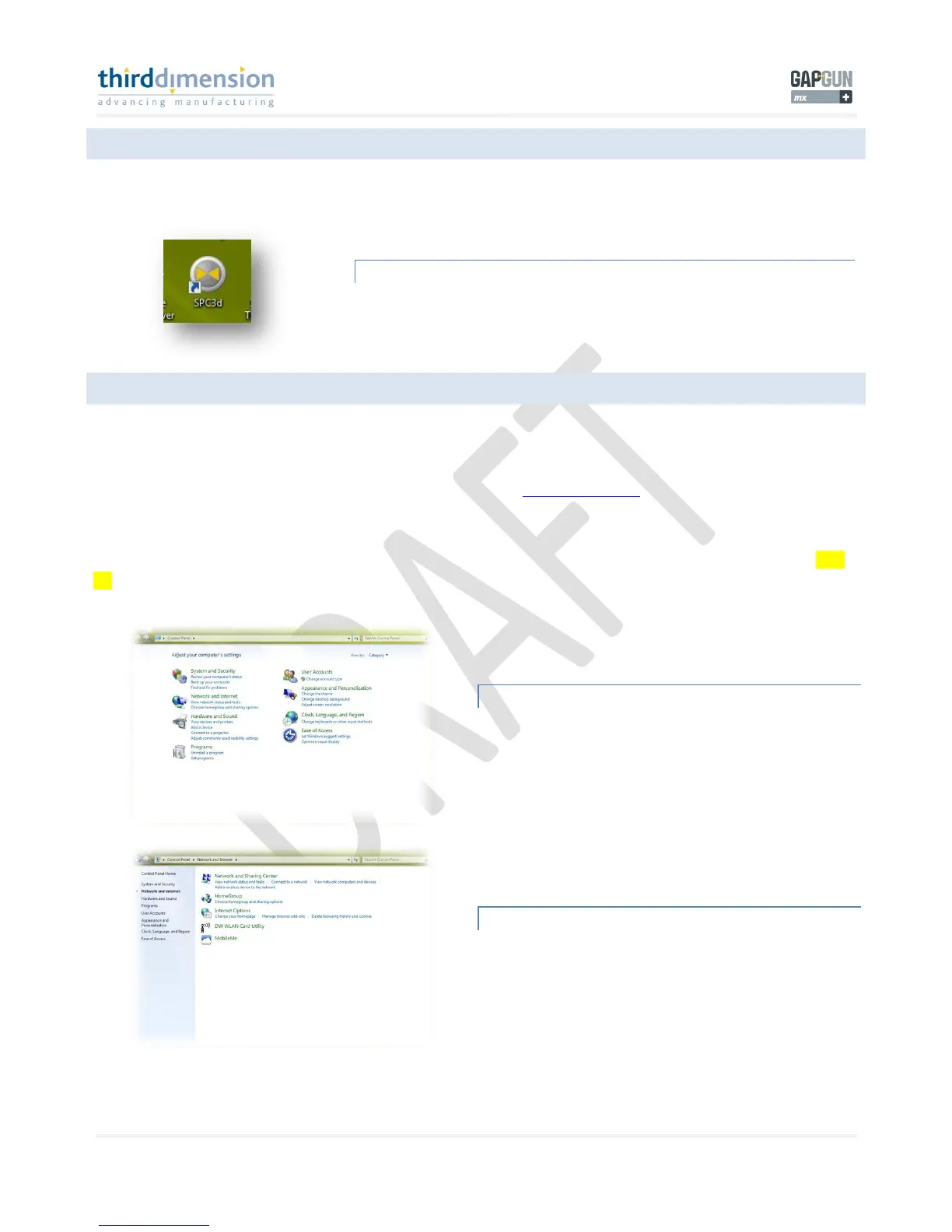
COMPUTER CONTROL PANEL
From the windows start menu select control panel. Once the
control panel window appears click on ‘Network and Internet’.



 To Next Page