EasyManua.ls Logo

Third Dimension GapGun MX+ - Gapgun MX+ Now Connected Via DHCP LAN Connection

Default Icon
40 pages
Print Icon
To Next Page IconTo Next Page
To Previous Page IconTo Previous Page
Loading...
GapGun MX+/SPC3d6 Connectivity Guide
© Third Dimension Confidential Document D11-678 Page 26
SPC3d6.0
7.4 GAPGUN MX+ NOW CONNECTED VIA DHCP LAN CONNECTION
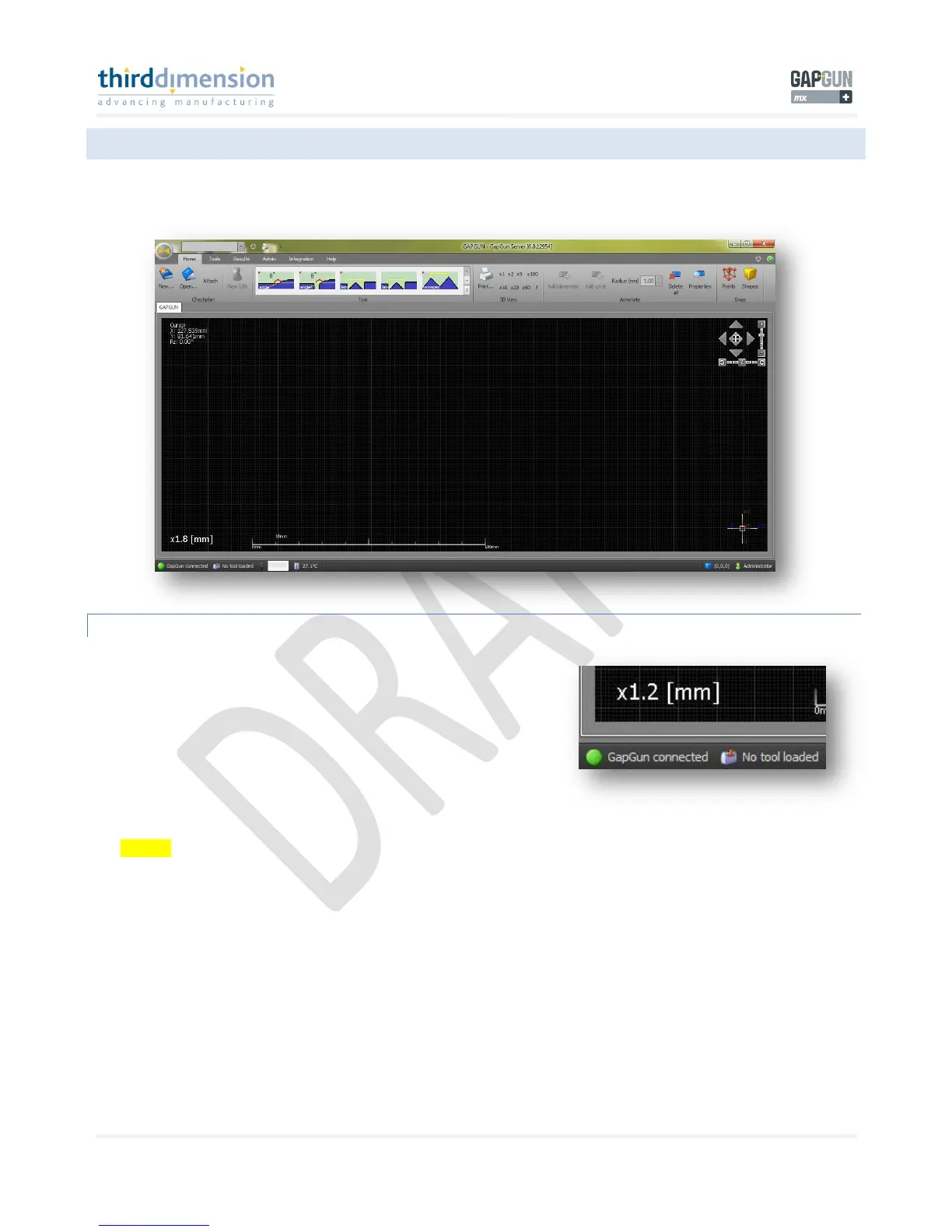
Your GapGun MX+ waistpack is now connected to your PC LAN adapter.
GAPGUN MX+ CONNECTED TO SPC3D6
With SPC3d6 open the GapGun MX+ will connect automatically. You will
hear a audible chime from the GapGun MX+ and the small connection icon
in the bottom left will turn green with the words “GapGun Connected”.
Although the GapGun MX+ is now connected to SPC3d6 you need to validate the Head Calibration file. Please see ‘Calibration
File’ page 30.

Related product manuals