GapGun MX+/SPC3d6 Connectivity Guide
© Third Dimension Confidential Document D11-678 Page 31
SPC3d6.0
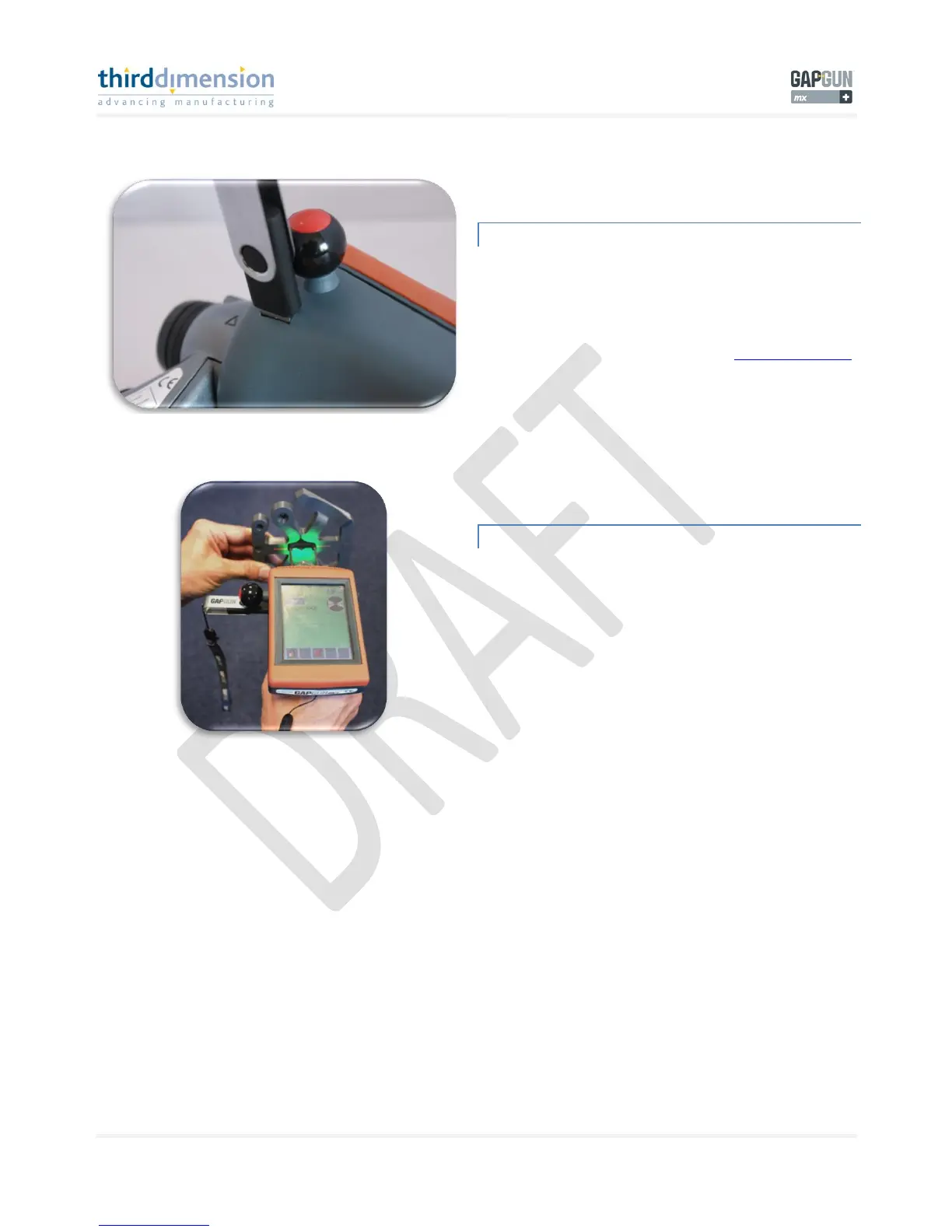
INSERT USB DEVICE
Insert your USB device into the GapGun MX+ handle.
Your GapGun USB device supplied with your GapGun MX+
system will have all the files needed installed on it.
For further help contact Third Dimension, support@third.com.
TAKE MEASUREMENT WITH USB IN
Take a measurement using CP tool in the GapFlush Toolkit.
You can use the HEX Artefact to measure a feature. Once the
measurement takes place the calibration file will automatically
be loaded from the USB into the GapGun MX+ handle. Your cal
file is now loaded.
Note: Any tool can be used to perform this task.



 To Next Page