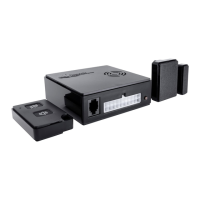
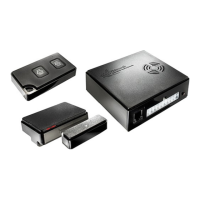
1. Handling the system
Please read the following instructions carefully to avoid
faulty operation.
1.1 Controlling the system with the remote key fob
The “Lock” button arms the system.
Only possible with the vehicle doors closed.
The vehicle indicators ash once or twice (depending on the vehicle type),
the interior beeper sounds once and the status LED starts to ash.
If the interior beeper makes a series of beeps when
locking the vehicle, one or more wireless contacts are
open but the system still arms itself
(see 1.4 ventilation function).
The “Unlock” button disarms the system.
The vehicle indicators ash once or twice (depending on the vehicle type),
the interior beeper sounds twice and the status LED stops ashing.
1.2 Controlling the system using a wireless remote control
Any button arms the system.
The vehicle indicators ash once, the interior beeper sounds (depending on button)
once and the status LED starts to ash.
The circuit will still be armed even if the original vehicle doors are open.
Any button disarms the system.
The vehicle indicators ash twice, the interior beeper sounds (depending on button)
twice and the status LED stops ashing.
1.3 Activating the panic alarm
If you feel threatened while you are in the vehicle, use the panic alarm function
to draw attention. With a panic alarm, the siren, indicators and horn are activated
depending on the type of vehicle.
IfaPro-nderisconnected,anemergencySMSwiththelastknownposition
will be sent to all destination numbers. A panic alarm can be activated with the
system armed or disarmed.
The panic alarm is activated by pressing both buttons on the wireless remote control
simultaneously.
The panic alarm is deactivated by pressing any button on the wireless remote control.
WiPro III Operating Instructions Page 1
GB


 To Next Page