1. Press the [PATTERN] button to enter pattern choice mode.
ð
The LED display then shows the current pattern number and the pattern indicator lights up.
2. Press the [+/–] buttons to choose the current pattern number (1-41).
Listening to a pattern
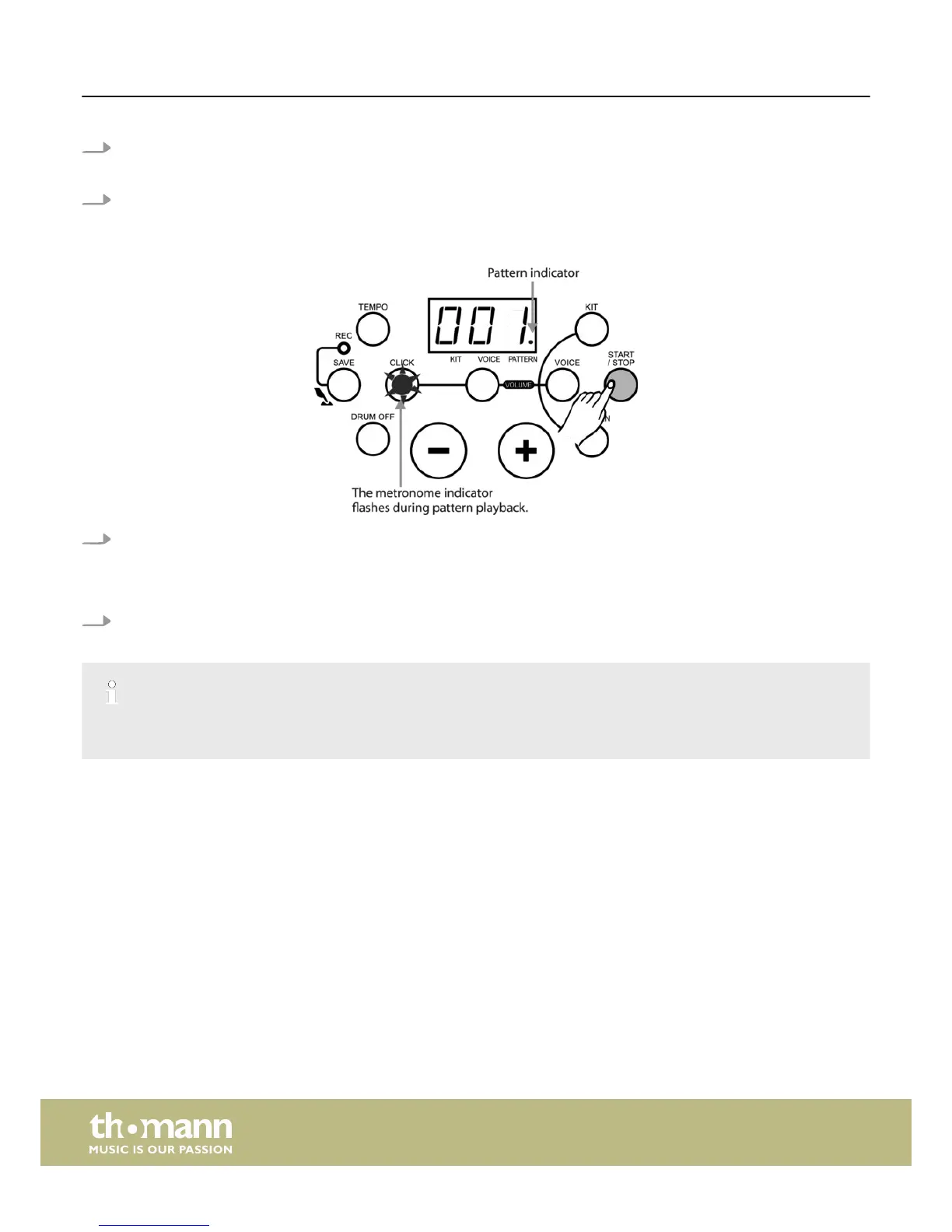
1. Press the [START/STOP] button to play the pattern.
ð
Meanwhile the ‘PATTERN’ indicator flashes and shows the beat of the playing pattern. Additionally the pad indicators
light up and allow -together with the trigger sound- easy learning and practising. If another pattern is selected in cur‐
rent song playing, it will start to play at the next measure.
2. In pattern playing mode, press the [START/STOP] button to stop pattern playing.
The pattern and the MIDI IN function use the same 16 midi channels. If you use the MIDI IN function during song playback, interfer‐
ence in the device may be caused. In this case you have to reset the unit by switching the drum module off and on again.
Functions
e-drum set
20














 To Next Page