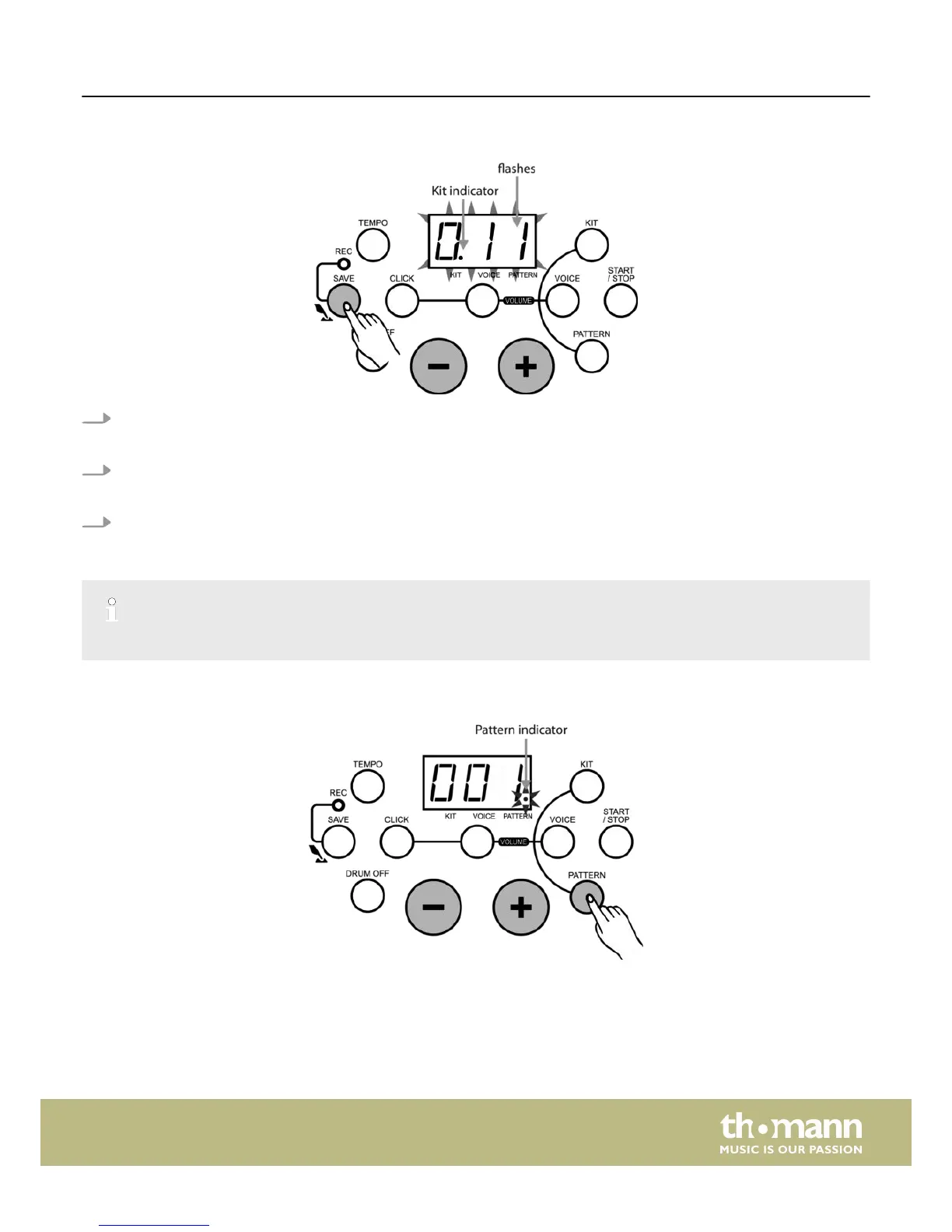
Saving a kit
1. Press the [SAVE] button to enter KIT saving mode.
ð
The LED display shows the user KIT number to save, the ‘KIT’ indicator lights up and the user KIT number flashes.
2. Press the [+/–] buttons to choose the user KIT (11-15) to save.
ð
During choosing the kit, the user ‘KIT’ number will keep flashing.
3. Press the [SAVE] button again. All current settings including the pad voice and volume are now saved under the selected
user ‘Kit number’.
When in recording mode, this function is not available to the user.
Selecting a pattern
The unit offers 41 built-in patterns (40 preset patterns and one user pattern).
Functions
HD-100
19














 To Next Page