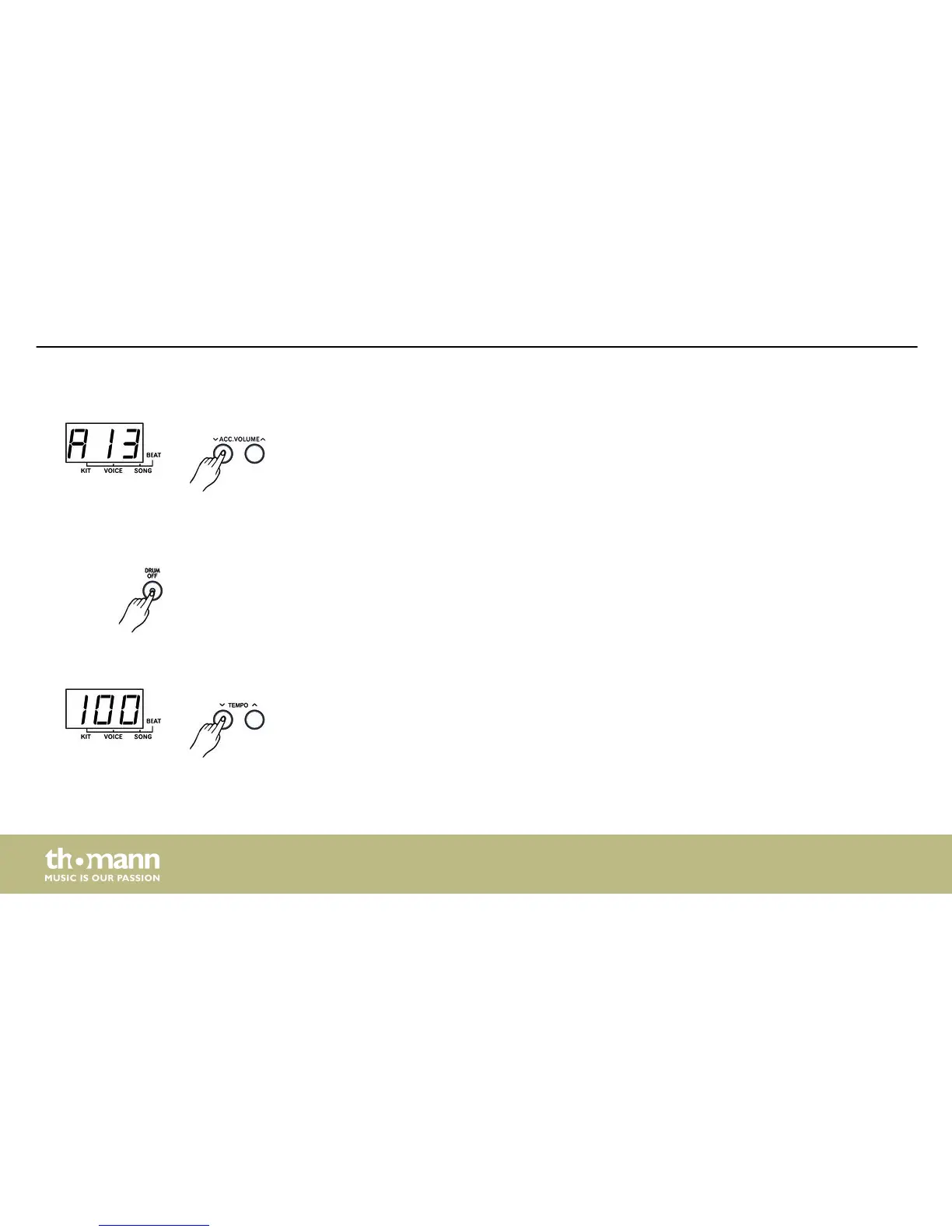
In ACC.VOLUME menu, the three-digit LED display shows the accompaniment volume in ‘Axx’
format. Using the [SELECT –/+] buttons you can adjust the accompaniment volume stepwise
from 0…9.
The set value is automatically saved.
Using the [DRUM OFF] button you can mute or unmute the drum track during the playback of
songs. The control LED of the button lights up when this function is enabled.
Press one of the [TEMPO –/+] buttons once to enter the TEMPO menu. Use the [TEMPO –/+]
buttons to adjust the playback tempo (click and song) stepwise in a range of 30…280. To
restore normal playback tempo press both buttons simultaneously.
Accompaniment track volume
Muting the drum track
Tempo
Operating
mobile drum
28














 To Next Page