During song playback, the beat indicator (control LED) is automatically activated. Press the
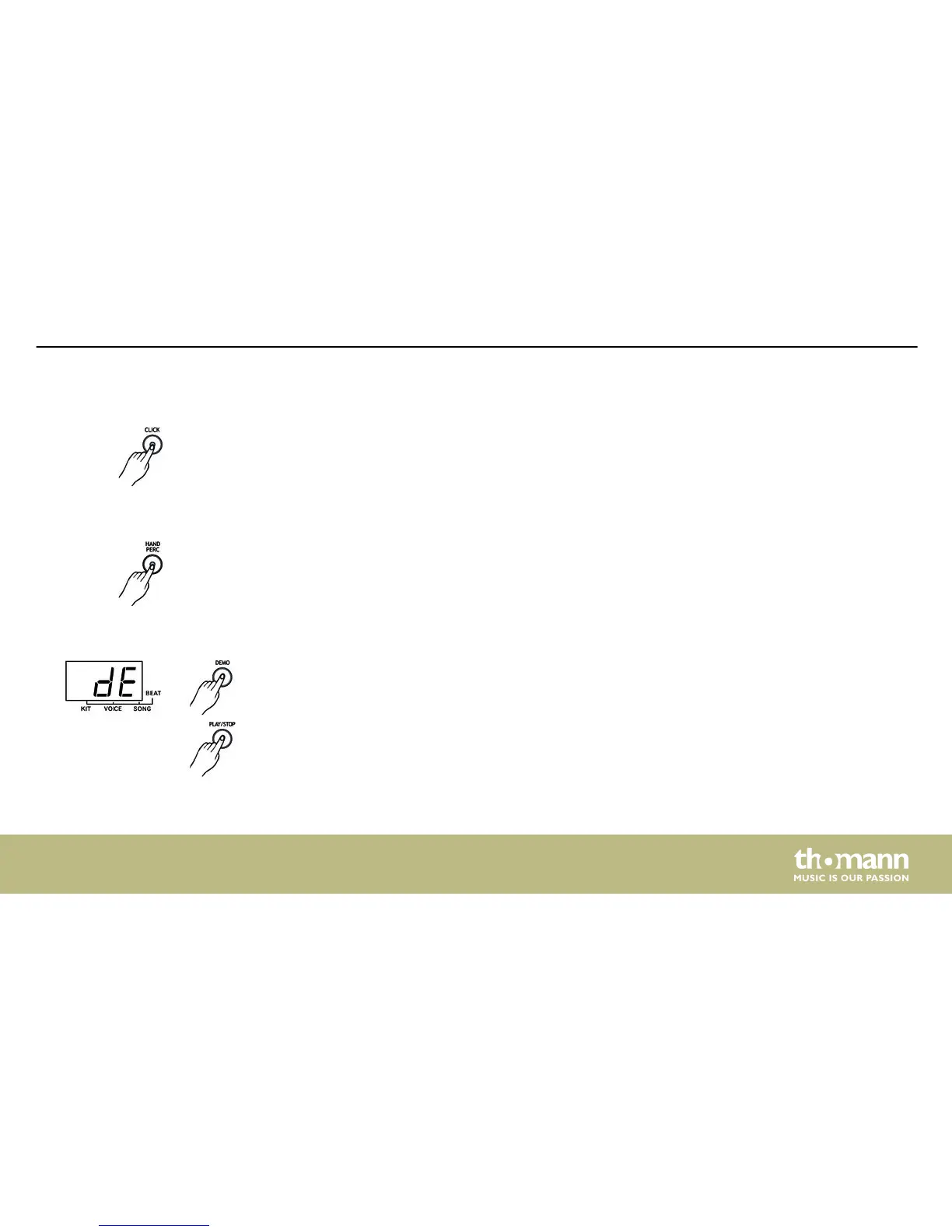
[CLICK] button once to enable a human voice counting. Press twice to enable the click sound.
Press the [CLICK] button again to turn the metronome off.
Use the [HAND PERC] button to enter the hand percussion mode (song number 5, kit number
21). The control LED of the button lights up when this function is enabled.
Use the [DEMO] button to enter the demo mode. The three-digit LED display shows the value
‘dE’. Use the [START] and [STOP] buttons to start or pause the playback of demo songs.
Metronome
Hand percussion
Demo song
Operating
MD-90
29














 To Next Page