720P HD WIFI IP CAMERA
EN
8
C - INSTALLATION
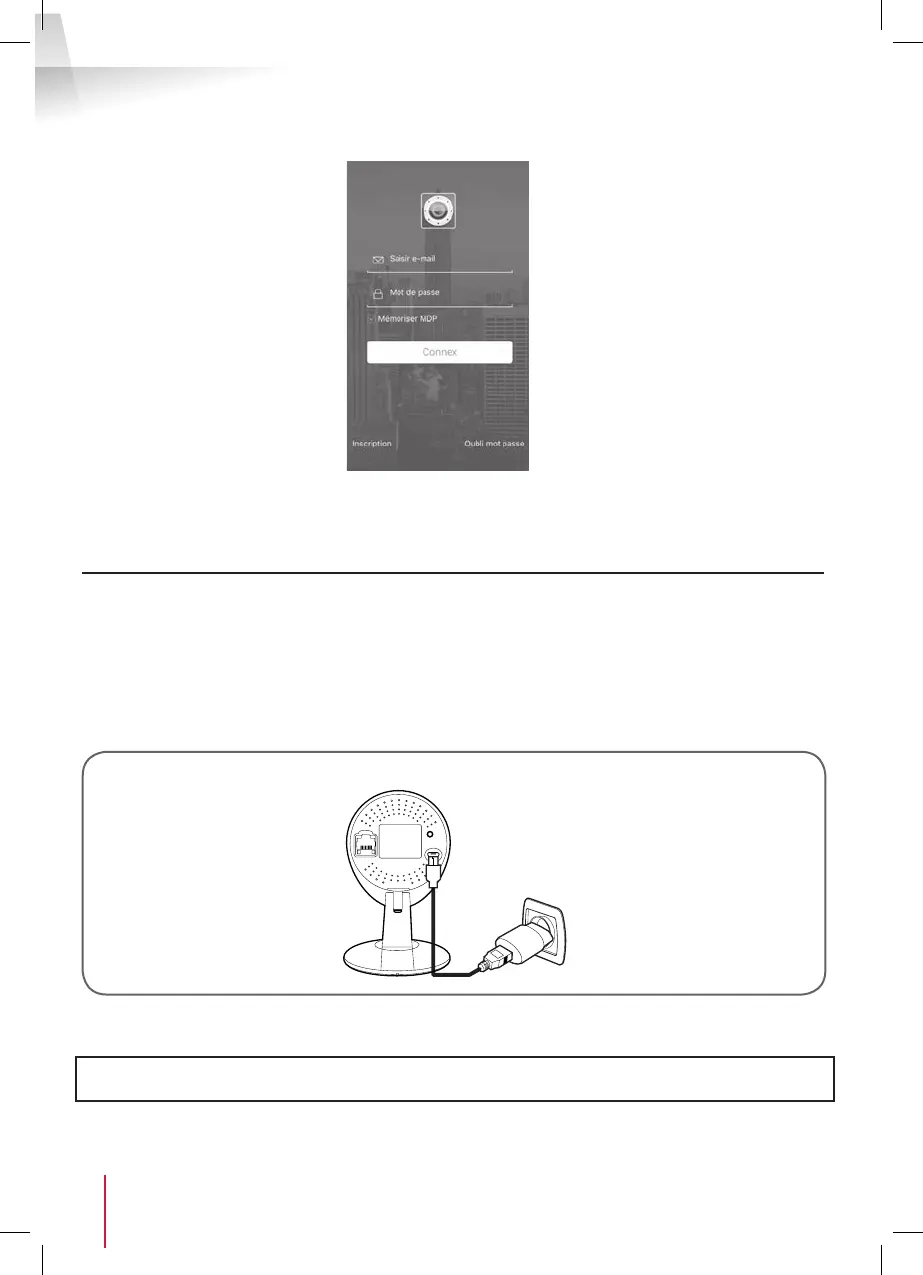
• Create a user account by clicking on "Inscription" (Register). If you already have an account, please log
in to it.
2.1 - WIRELESS CONNECTION: EZLINK FUNCTION
• Your camera is tted with the EzLink function: if you have an Android or iOS smartphone or tablet, the
application can connect to the camera when it is shown which WiFi network to use.
• Download then install the ThomView application on your smartphone or tablet.
Important: To be con gured for the EzLink function, your camera must use the default user name and
password. Reset your camera if necessary by pressing the "WPS/Reset" button at the back for at least 15
seconds.
camera
Mains adapter
• Then connect your smartphone or tablet to the WiFi network that your camera will then use.
Important note: Your camera is not compatible with 5 GHz wireless networks
(802.11ac WiFi network). Do not connect your smartphone or tablet to this type of network.


 To Next Page