14
F - FAQ
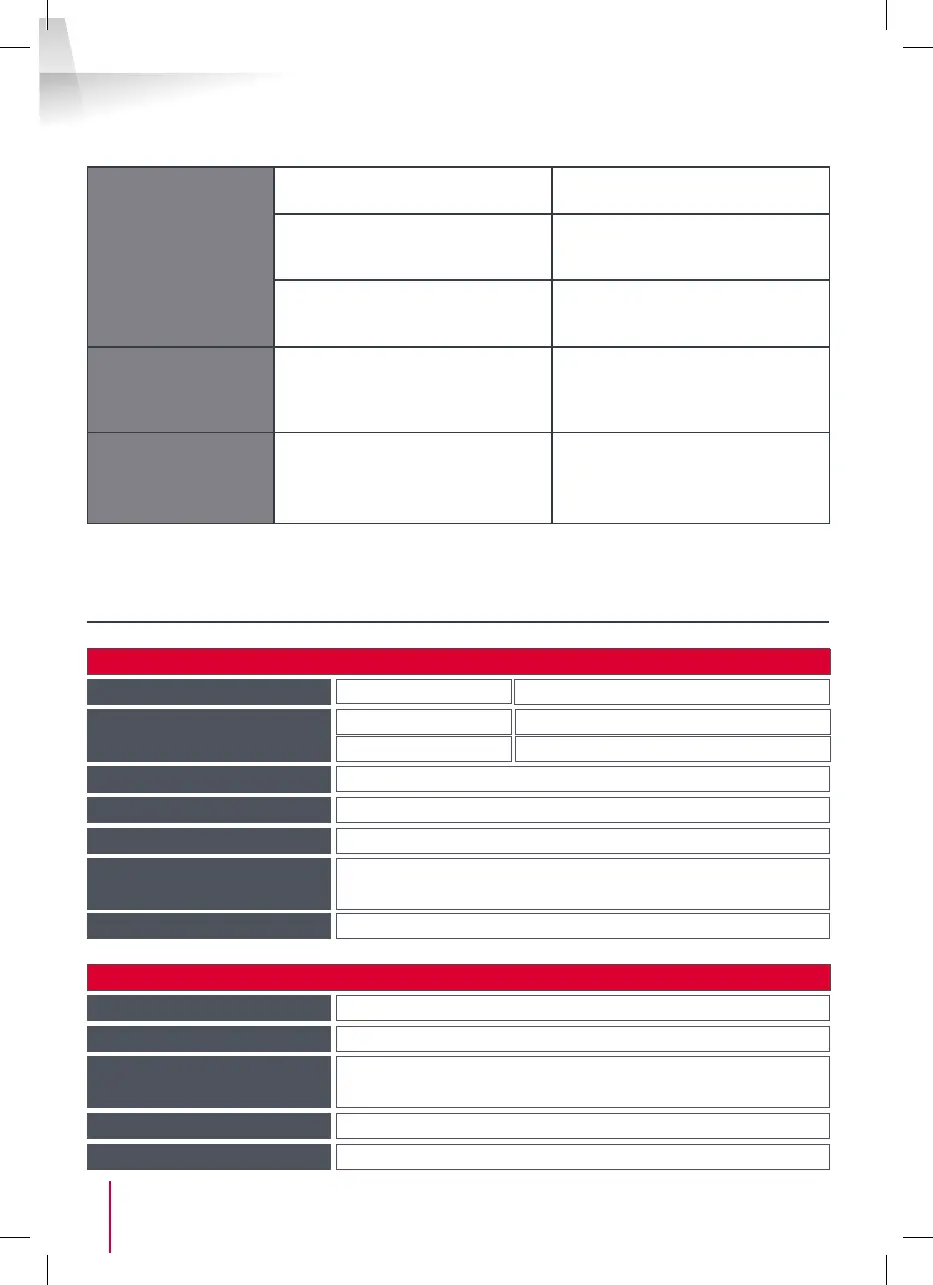
The electric strike
plate does not open
the door.
The cable section used is not
suitable.
Check the cable section with the
help of this operating manual.
The intercom panel and the strike
plate are not connected correctly.
Check the connections between
the intercom panel and the electric
strike plate.
The style of electric strike plate
used is not suitable.
Check that the strike plate is
compatible with the specications
included in this manual.
When speaking with
a visitor, the monitor
sound is low or
distorted.
The intercom panel microphone is
obstructed.
Check that the intercom panel
microphone is clean (dirtiness,
insects, etc.)
During a call, there
is no sound or the
product functions
randomly
The monitor(s) is/are not in the
correct “Master” or “Slave” mode
Check that the monitor is correctly
congured by accessing the
settings management menu
G - TECHNICAL AND LEGAL INFORMATION
1 - GENERAL CHARACTERISTICS
Monitor and smart bracket
Intercom panel
Doorbells
Number
6 doorbell melodies to choose from (85dB)
Supply voltage
15V/1A
Picture memory capacity
100 photos
Sensor type
¼’’ CMOS
Viewing angle
105°
Consumption
400mA
Dimensions
205(l)x157(h)x18(p) (mm)
Dimensions
164(h)x78(l)x39(p) (mm)
Protection rating
IP44
Temperature and humidity
levels for use
-10°C to 50°C, 85% RH maximum
Temperature and humidity
levels for use
-10°C to 50°C, 85% RH maximum
Screen
Size 7 inches diagonally (17.78cm), 16/9
Resolution 800 x 480



 To Next Page