E-DOC-CTC-20080627-0003 v1.0
Chapter 2
Thomson Gateway Basics
11
2.1.1 Status LEDs
Introduction
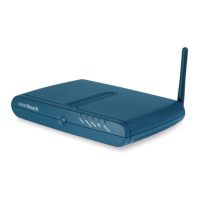
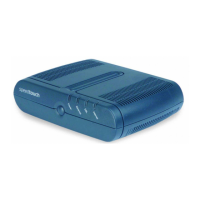
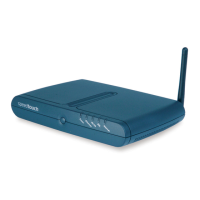
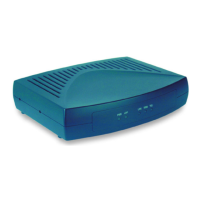
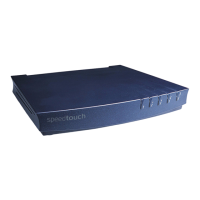
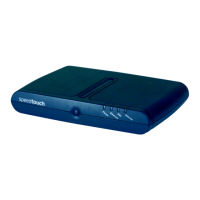
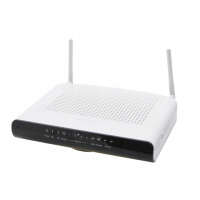
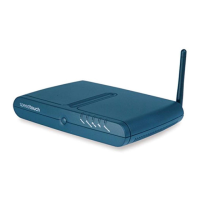
On the front panel of your Thomson Gateway, you can find a number of status LEDs, indicating the state of
the device during normal operation.
Power LED
Ethernet LED
DSL LED
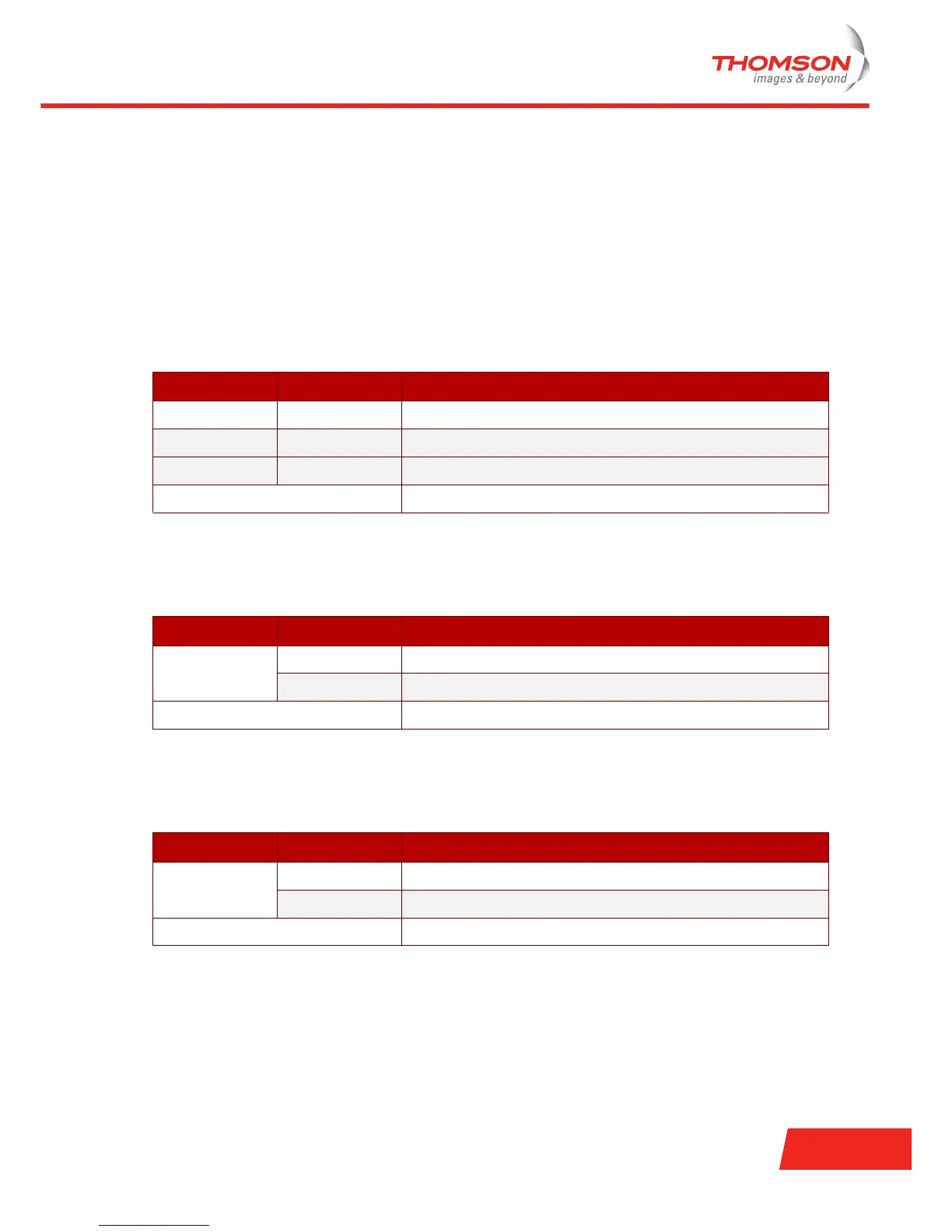
Colour State Description
Green Solid on Power on, normal operation
Red Solid on Power on, self-test failed, indicating device malfunction
Amber Blinking Bootloader active (during upgrade)
Off Power off
Colour State Description
Green Blinking Ethernet activity
Solid on Ethernet connection, no activity
Off No Ethernet connection
Colour State Description
Green Blinking Pending DSL line synchronisation
Solid on DSL line synchronised
Off No DSL line







 To Next Page