E-DOC-CTC-20080627-0003 v1.0
Chapter 5
Getting the Most Out of Your Thomson Gateway
30
5.1.2 Managing your Internet connection with UPnP
Windows Vista
If you computer runs Windows Vista:
1 On the Windows Start menu, click Network.
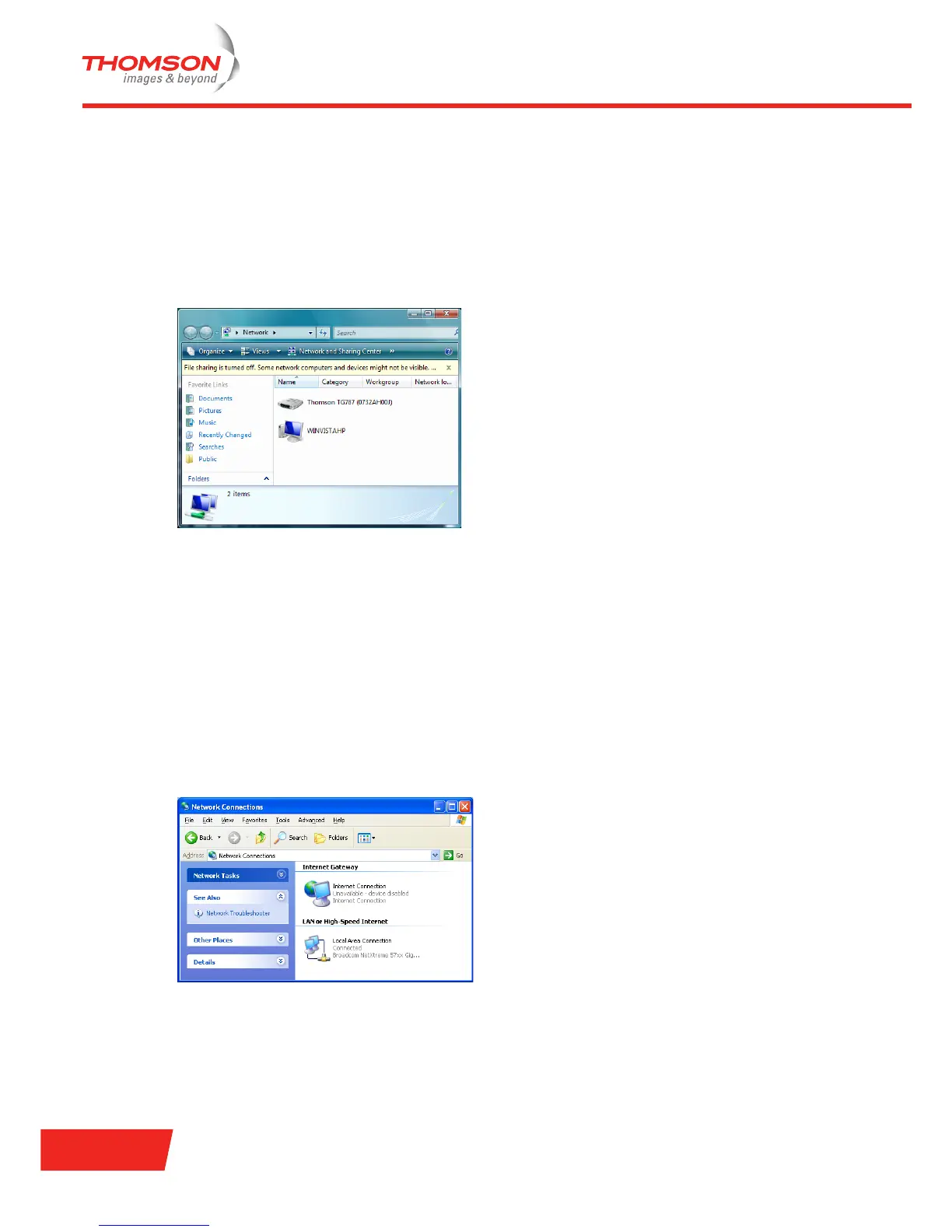
2 The Network window appears:
3 Right-click your Thomson Gateway (displayed as THOMSON STXXX).
4 If you are currently:
Connected to the Internet, click Disable to disconnect from the Internet.
Not connected to the Internet, click Enable to connect to the Internet.
Windows XP
Proceed as follows:
1 On the Windows Start menu, click (Settings >) Control Panel.
2 The Control Panel window appears.
Click (Network and Internet Connections) > Internet Connections.
3 The Network Connections window appears;
4 If you right-click the Internet Connection icon, you can connect/disconnect your connection to the
Internet.















 To Next Page