E-DOC-CTC-20080627-0003 v1.0
Chapter 3
Adding a New Computer to your Network
19
3 Adding a New Computer to your Network
Guided Installation
If you configured your Thomson Gateway using the Guided Installation, use the same procedure on the
computer that you want to add.
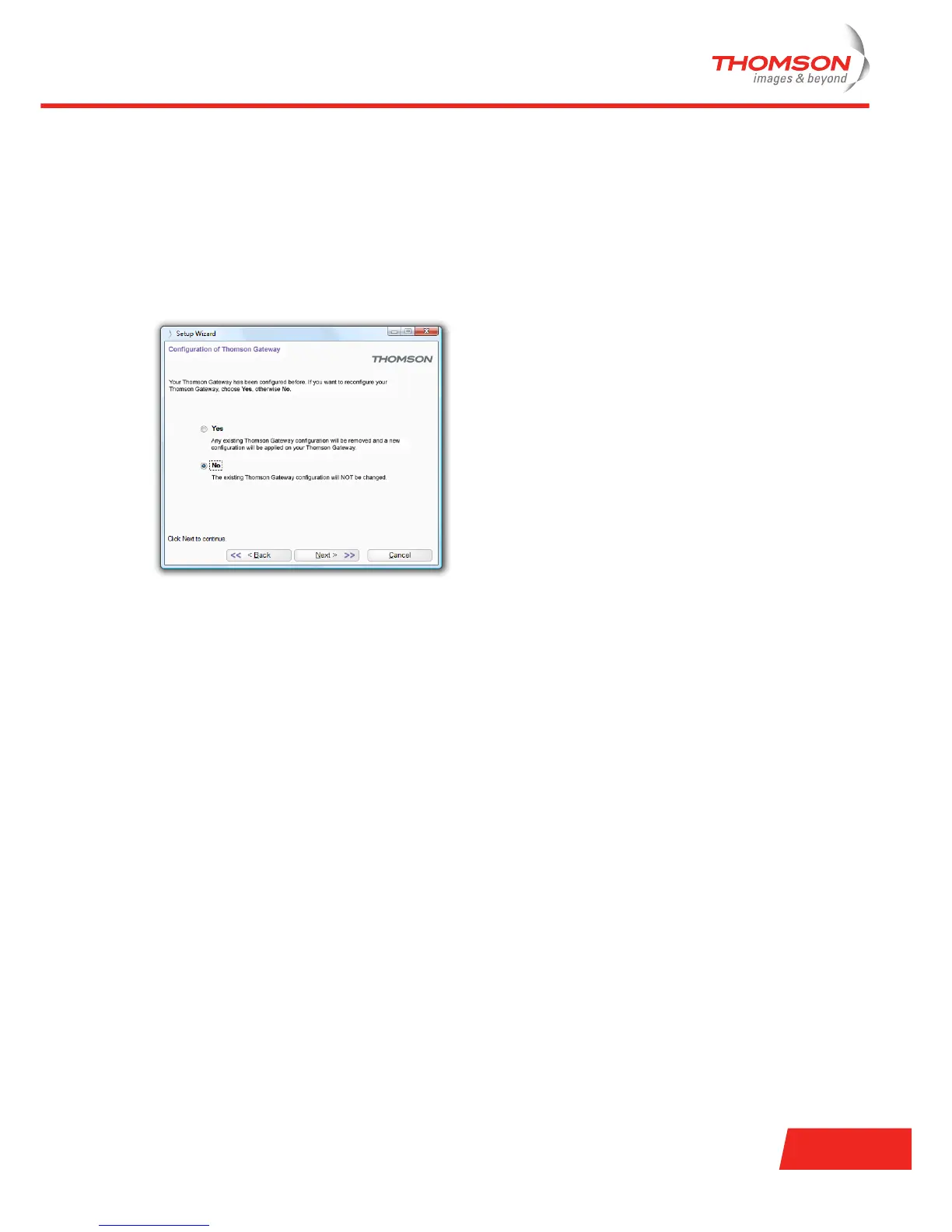
At a specific point in the installation, the Setup wizard will inform you that the Thomson Gateway has already
been configured:
Select No and click Next to continue.
Manual Installation
If you want to connect your computer to the Thomson Gateway using:
> A Wireless connection, continue with “4 Wireless” on page 21.
> The Ethernet cable, continue with “3.1 Connecting a Computer Using the Ethernet Cable” on page 20.






 To Next Page