114
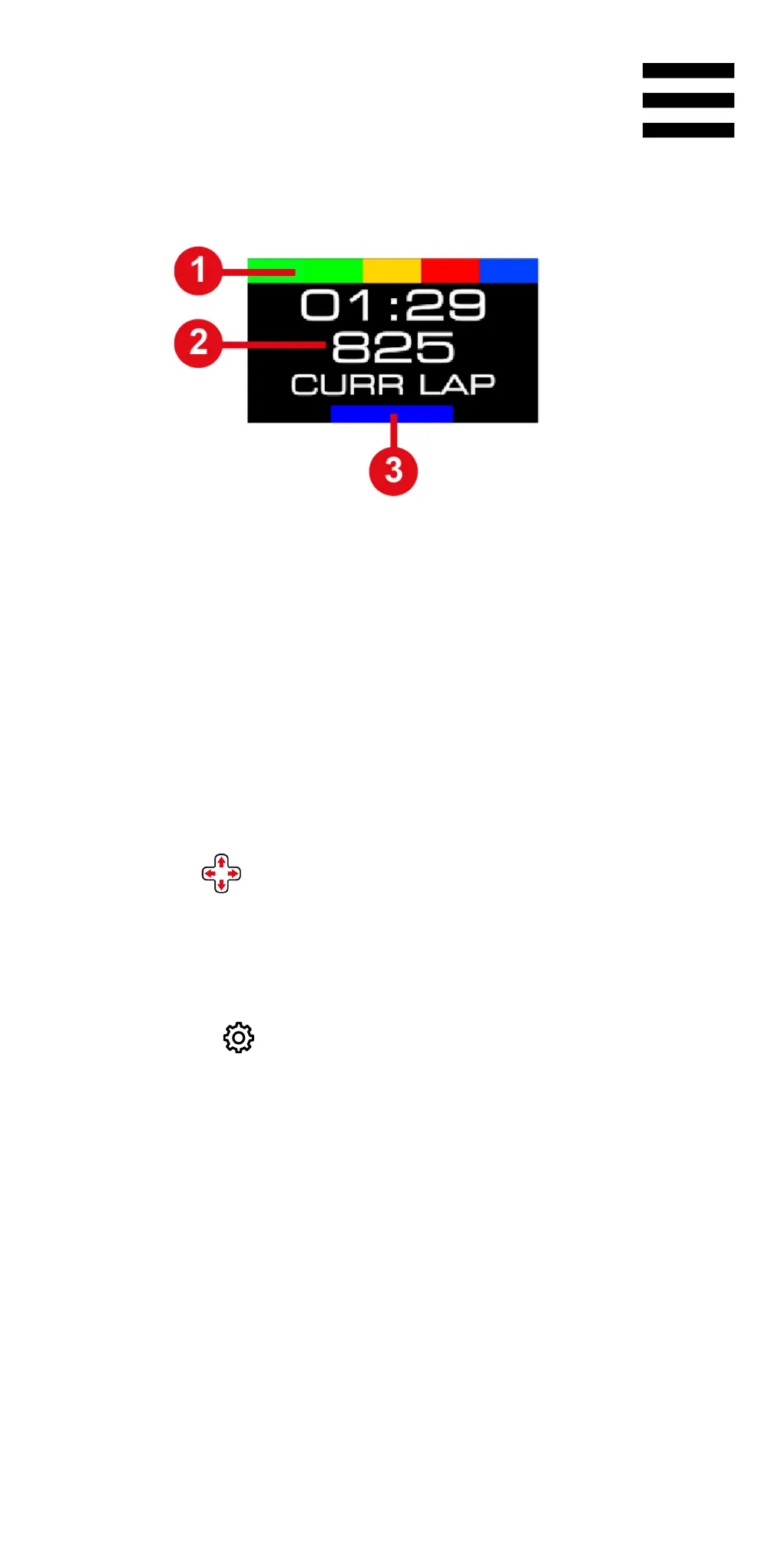
During the game, the following screen is displayed:
❶ RPM strip
❷ Telemetry information
❸ Selected compatibility mode
To navigate through the Telemetry submenu and select
the telemetry information to be displayed:
− Use the directional buttons.
To confirm your selection:
− Press the button (Settings).
You will exit the Telemetry submenu and the screen
will display the selected telemetry information.















 To Next Page