79
Using the encoders
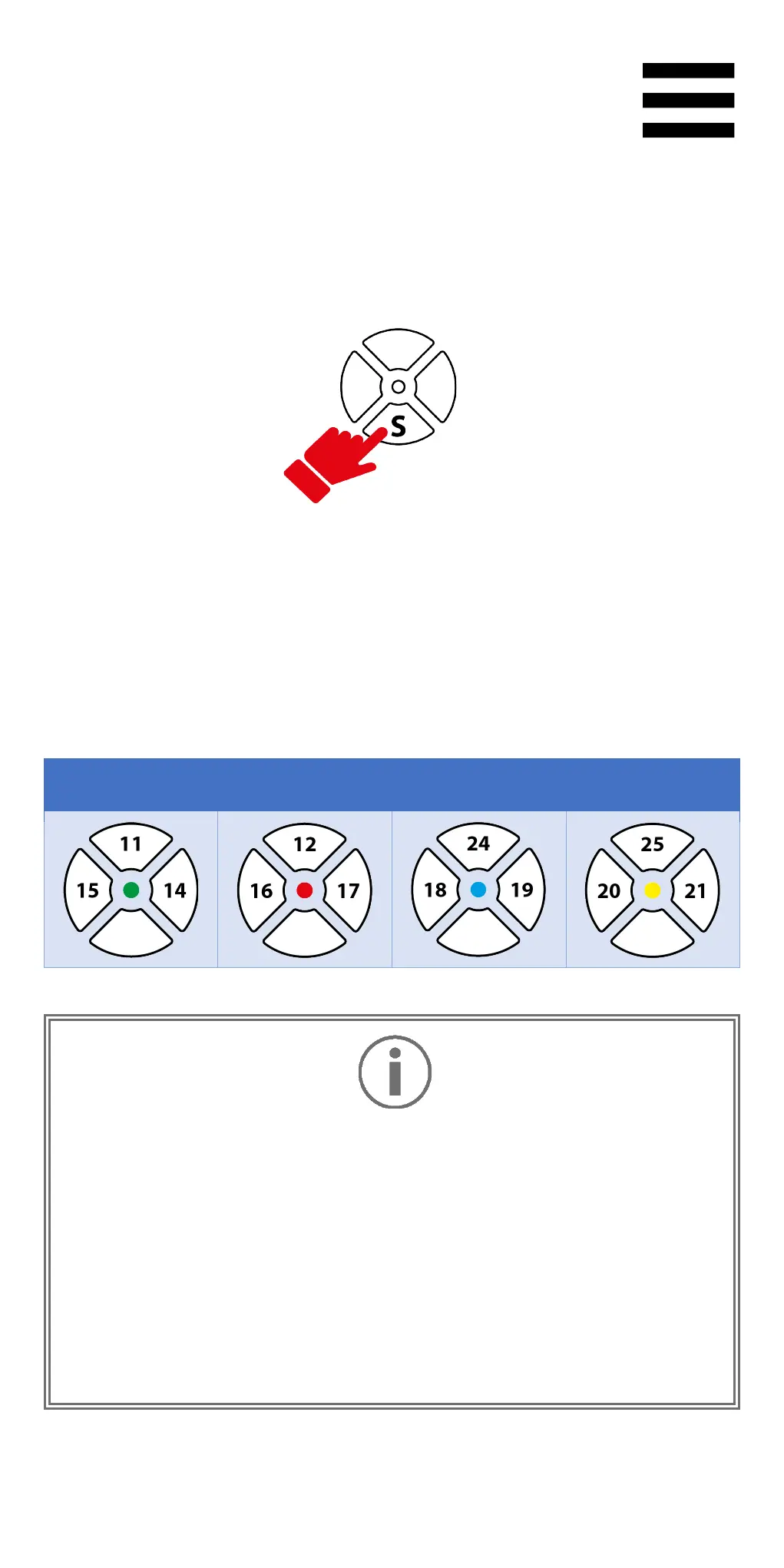
Select the active encoder by pressing the S encoder
selector.
The LED above the selector indicates the active encoder.
The following functions and LED colors are associated
with the encoders:
Encoders E1, E2, E3 and E4 work in games compatible
with Thrustmaster encoders. The list of compatible
games is available here:
https://support.thrustmaster.com/product/T598p/
(in the Games settings section
). This list is regularly
updated.















 To Next Page