80
12. Screen operation
The base’s screen lets you:
− Select the compatibility mode;
− Access the Settings or Telemetry submenus;
− Change the settings for the wheel rim, the base
and the pedal set, as well as the screen’s
brightness;
− Select the telemetry information to be displayed.
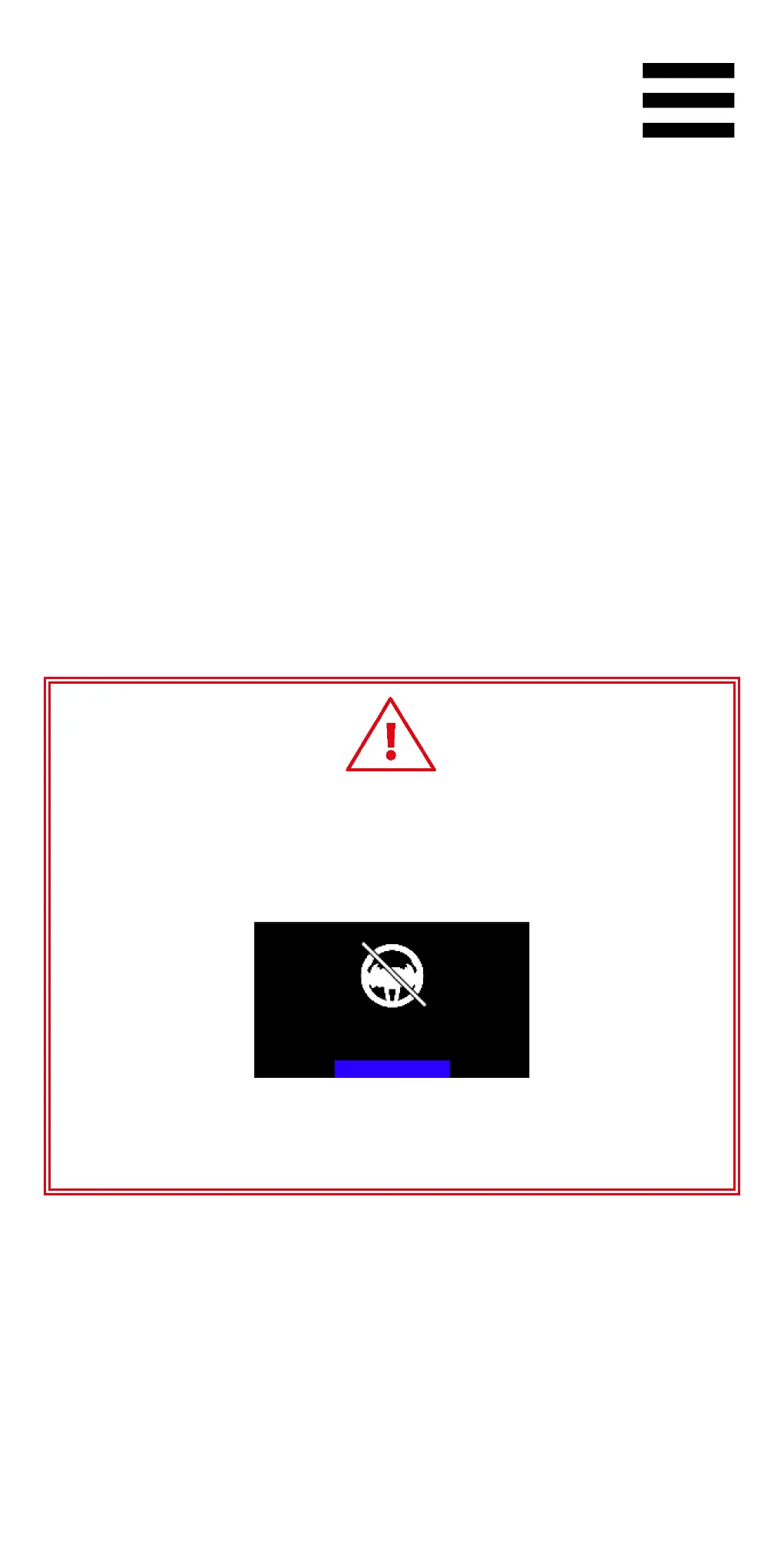
If no wheel rim
is installed on the base or if the wheel
rim is improperly
installed, the following screen will be
displayed:
Please install a wheel rim on the base,
then reinstall the wheel rim on the base.















 To Next Page