86
Settings submenu
The Settings submenu lets you display information about
the base, the wheel rim and the pedal set, and lets you
change the associated settings.
To access the Settings submenu, press the
(Settings), then press the L3 button.
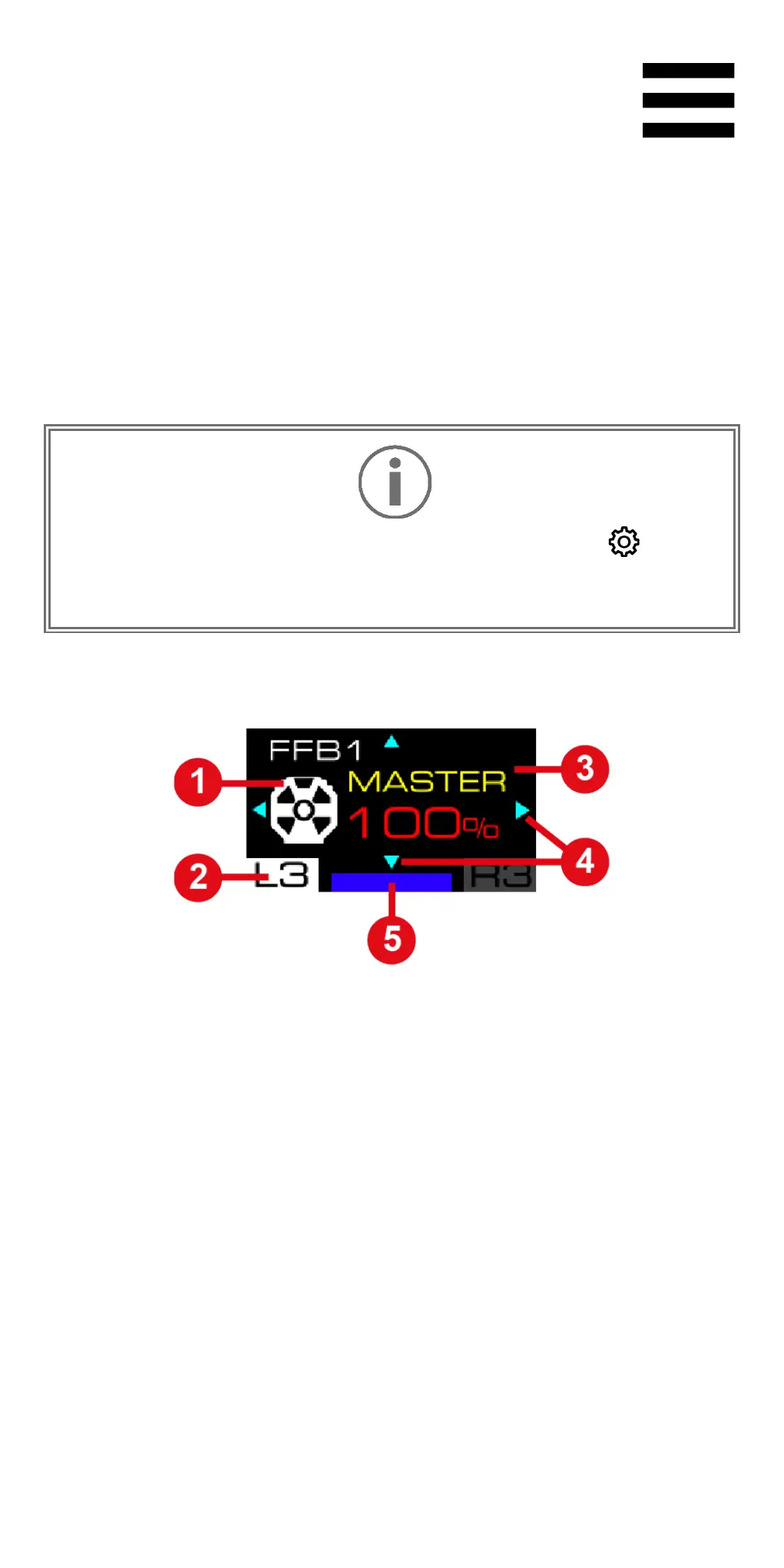
The following screen is displayed:
❶ Accessory involved: base, wheel rim or pedal set
❷ Selected Settings submenu
❸ Name of the selected setting and its value
❹ Possible navigation in the submenu
❺ Selected compatibility mode















 To Next Page