85
To display the Settings or Telemetry submenu selection
screen:
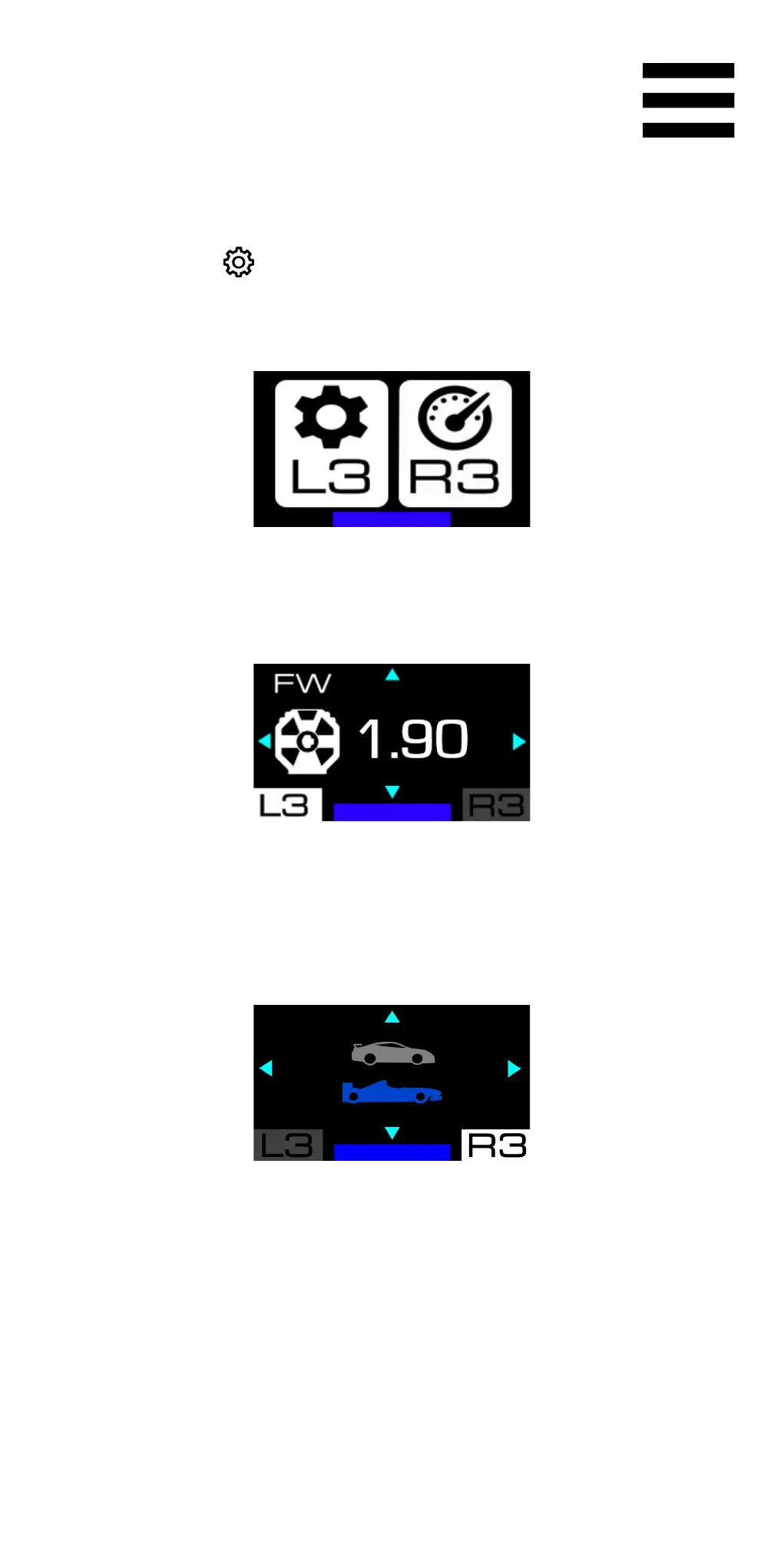
1. Press the button (Settings).
The following screen is displayed:
2. Press the L3 button to select the Settings submenu.
The following screen is displayed:
Press the R3 button to select the Telemetry
submenu.
The following screen is displayed:















 To Next Page