57
1. Power on your PlayStation®5 console.
2. Connect the double jack/RJ12 cable to the RJ12
connector on the base and the Raceline Pedals LTE
pedal set.
The jack connector with the B marking (Brake)
connects to the brake
pedal. The jack connector with
the G marking (Gas) connects to the accelerator pedal.
3. Connect the USB-C/USB-A cable to the base’s
USB-C port, and a USB-A port on the PlayStation
®5
console.
4. Connect the power adapter to the base, and also plug
it into a wall outlet.
5. Press the On/Off button located at the back of the
base.
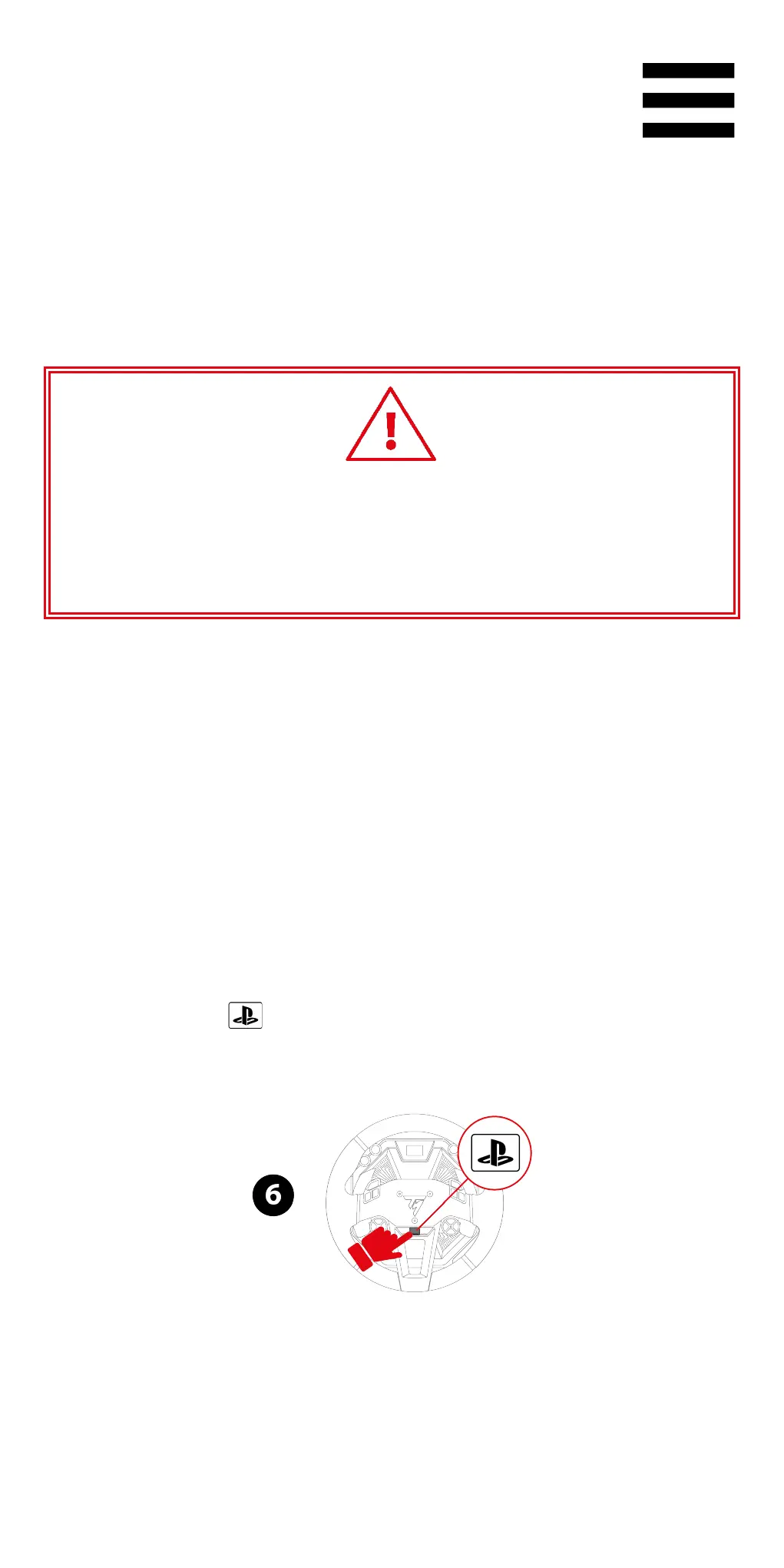
6. Press the button to connect the racing wheel to
your profile.















 To Next Page