92
You can change the FFB 1, FFB 2 and FFB 3 profiles by
changing the settings of the base. The profiles are saved
in the base’s internal memory.
Use the Factory Reset screen to restore the saved
settings of the FFB 1, FFB 2 and FFB 3 profiles.
The FFB D profile cannot be modified.
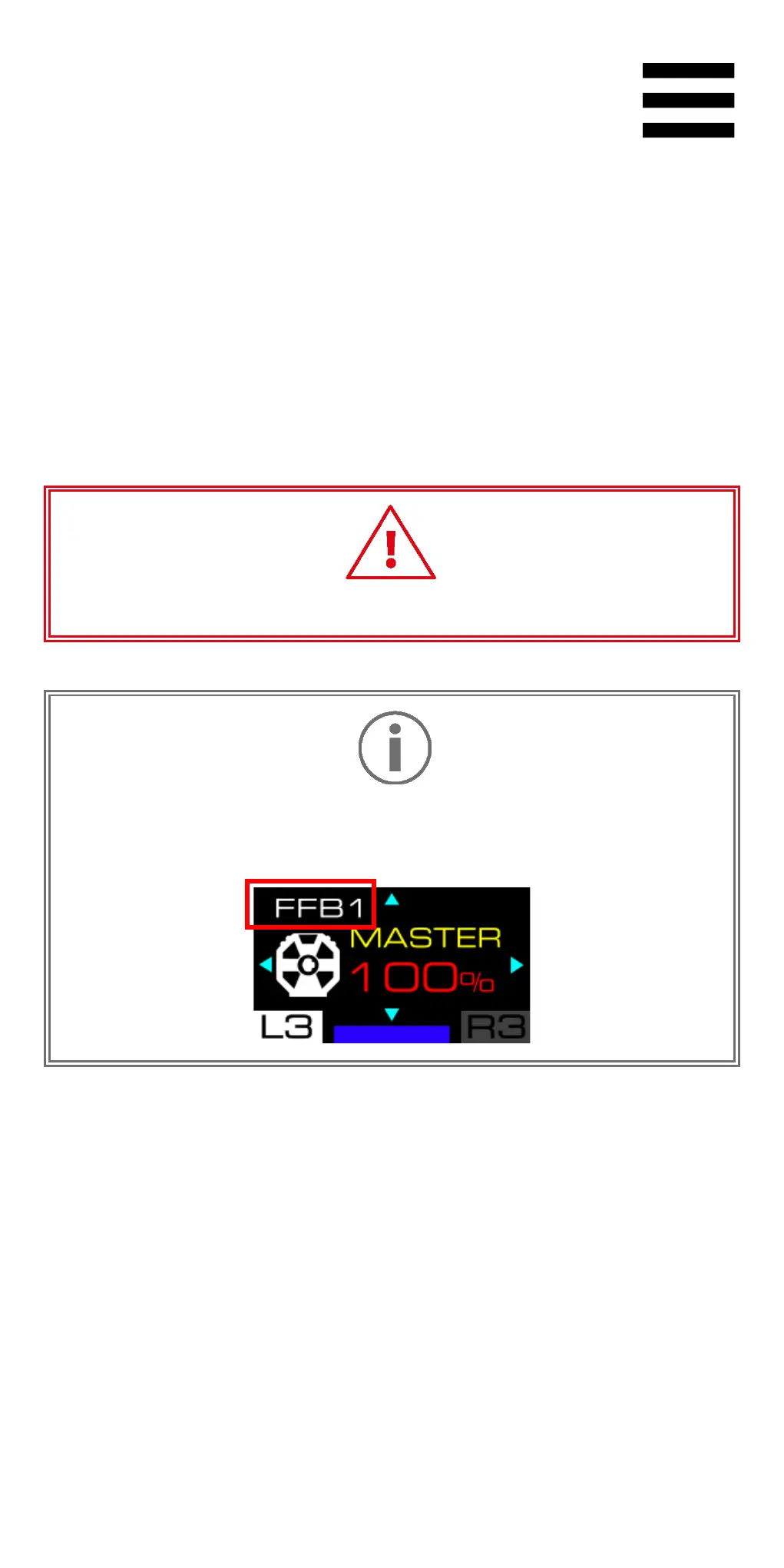
The selected profile is shown in the top left of the
screen when you navigate through the base’s settings.















 To Next Page