19
By pressing the [M] key during the switching on the machine until the
“Password” is shown on the Display, or by pressing the [5] key the operator
enters the configuration menu. To prevent an accidental change of
configuration data, this menu is protected with the password.
The procedure is as follows:
By pressing the [5] key the display shows “Password?” the operator should
press “09122” and after that the settings of the machine can be changed.
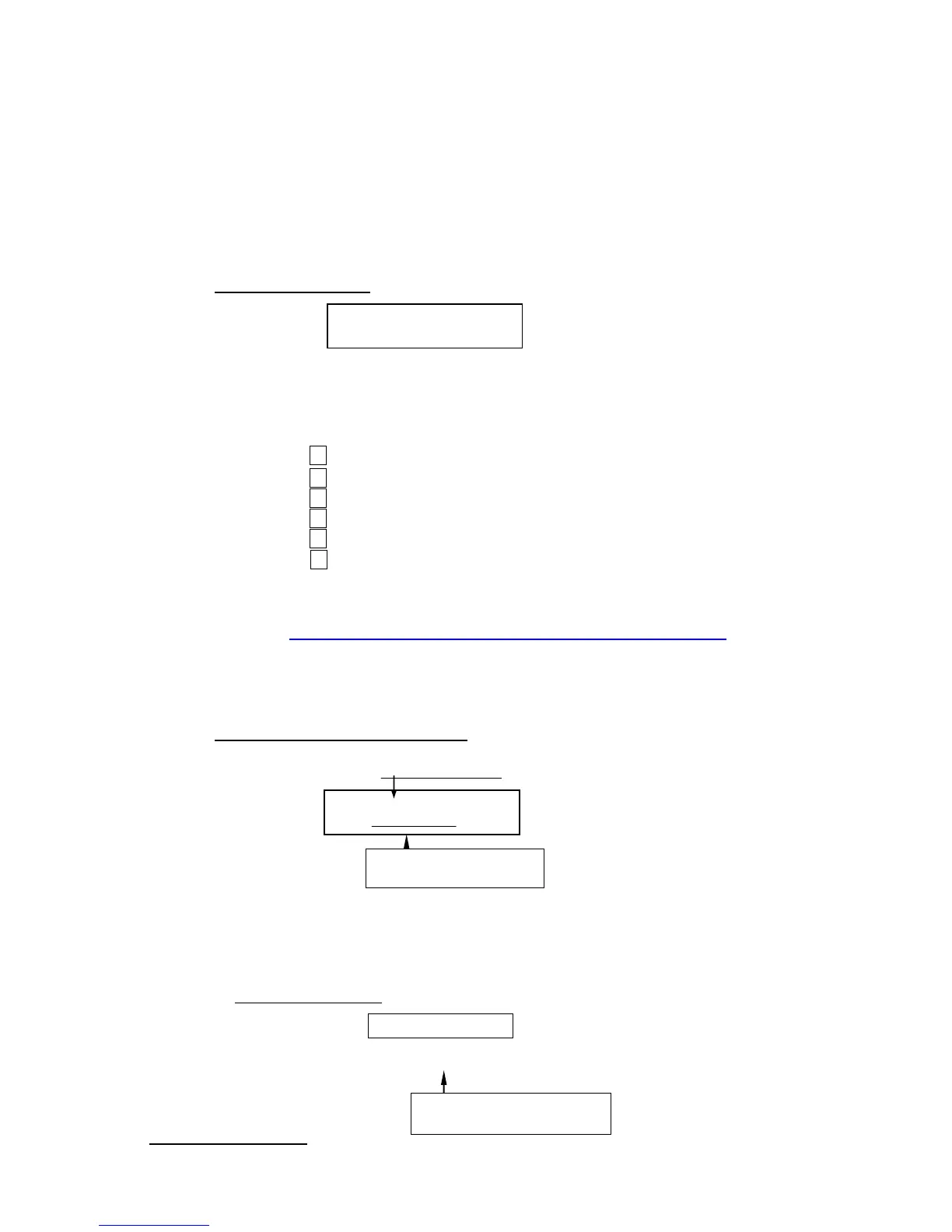
Language Selection:
With these keys the operator can choose the desired language and with the
[Return] key confirm the choice.
The operator can also select the desired language:
=German
=English
=Italian
=French
=Spanish
=Danish
(Add a new language
http://www.youtube.com/watch?v=LDNiQRc5TIQ&feature=youtu.be )
The Selection of The Used Units:
Selected: 1 (SI)
If you use the system “Millimeters/Newton (mm/N), you have to press [1]; if
you use the system “Inches/Pounds (in/lbf), press [2].
By pressing the [Return] key you go to the next Menu-Entry.
6.03 Load Cell Capacity:
Load Cell Sensitivity:


 To Next Page