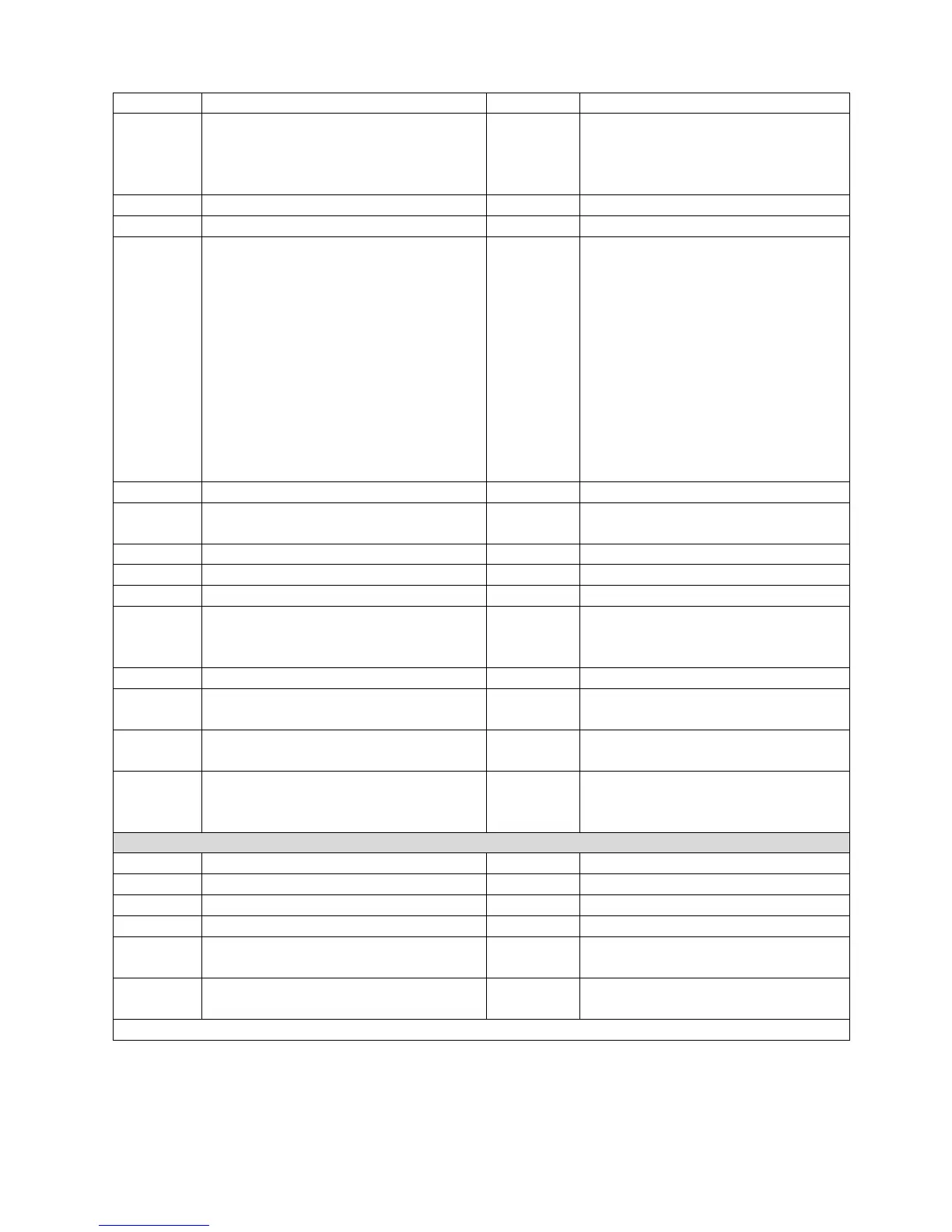
Begin of hysteresis test where:
x- delay time [sec] before return,
y-n times repeat (‘0’ for only cycle,
‘1’ for two, ect.
Start driving to ‘Endpos’ or
‘F limit S’ and after delay time ‘x’
drive back to the start pos. and
repeat ‘y’ times.
Reboot & start SCIA bootloader
Condition of machine
Bit #0 fast (jog keys active)
running ; (test is running)
schleppf ; (motor contouring
error
kraftmode ; (CFR active)
ref_sw ; (option)
endsw_dn ;
endsw_up ;
overload ; (load cell overload)
Up Dir ; (driving up)
Motor -Error; (servo off-line)
OTW- Warning;
Door- open; (option)
Bit #12 Reference;
Ask for user serial number
Set user serial number (max 20 char,
can be used to keep machine ID)
Ask for software version no.
Ask for active units (1-SI, 2-US)
Set perforce speed (used when ‘
Perforce speed’ enabled in service
menu.
Move to position (no position info)
Move to absolute position (with pos
info)
Move to relative position (with pos
info)
Relative, 20mm to up from actual
position.
Set ‘Start Position’ used when Ref
mode >0
Machine after “Return” order drive
back to 50mm (not to “0”) if Ref
mode >0
Special commands to reload configuration data of the load cell
1)
Set “nominal value” of the Load Cell
Set “mV/V” value of the Load Cell
Set calibration factor of the Load Cell
Set F limit F value of the Load Cell
Set display precision (1 or 2)
Prec = 2 (2 places after decimal
point of force values).
Set DIGITS value for motor encoder
DIGITS = 10512 (pulses/mm)
(for BLDC motor is 6080 p/mm)
1)
When command C? xxx is send without parameter (i.e.: CN$) then you get back actual parameter.


 To Next Page
 Loading...