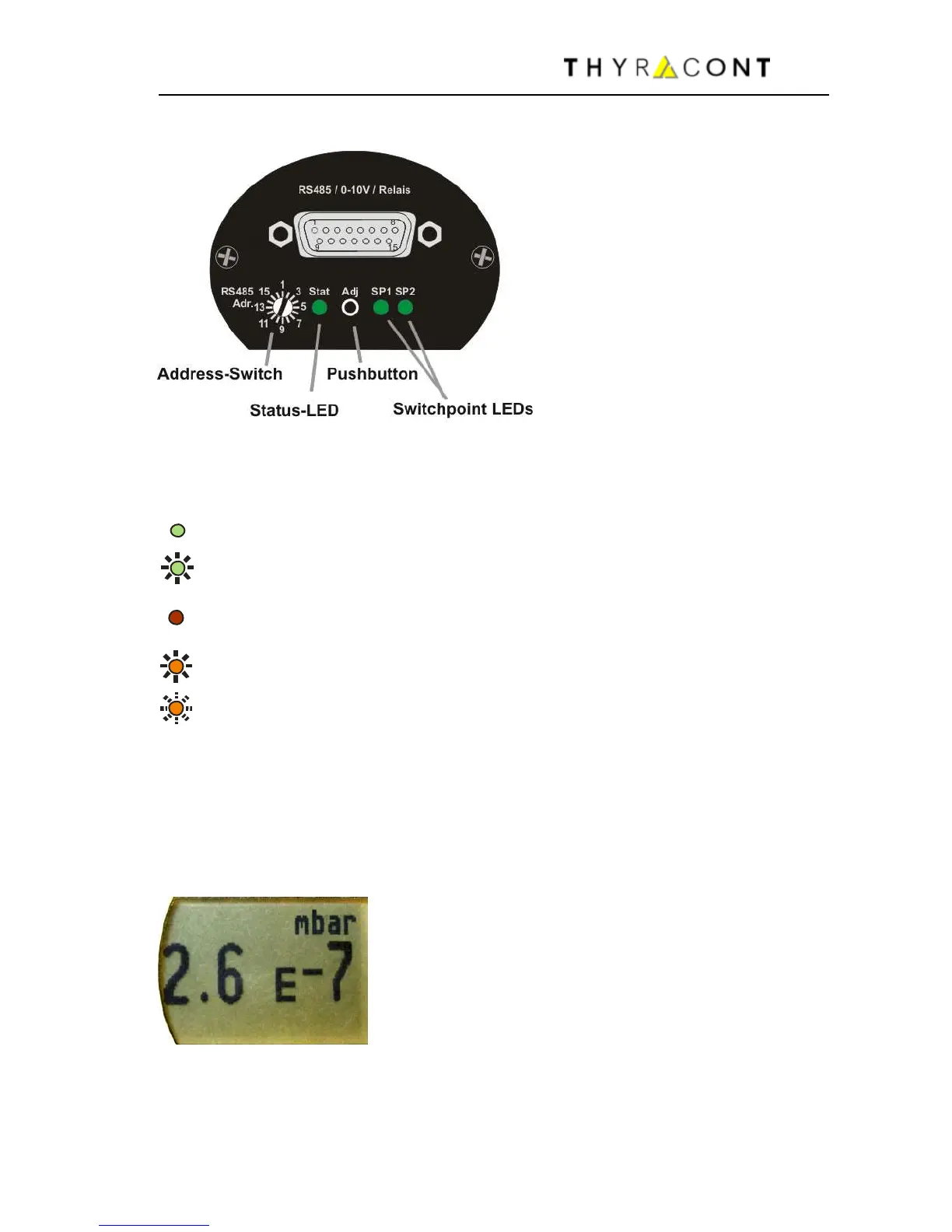
(green LED flashing slowly)
Error (red LED continuously on)
Ready for Adjustment
(orange LED flashing slowly)
(orange LED flashing quickly)
Initializing Adjustment
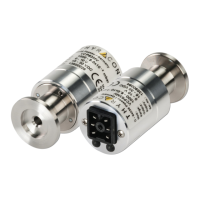
The switch-point LEDs are on when the related relay is activated.
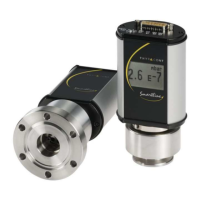
In addition models VSM77DL, VSM78DL and VSM79DL have an LCD with
yellow backlight, that displays the measured actual pressure.
In case of an operation error or malfunction the display is illuminated by a red
background color.
In order to change the display unit (mbar, Torr, hPa)
hold the Adj key pressed while connecting power
supply until the display shows "Unit". Then select the
desired unit by pressing the Adj key.
After 5 seconds without further keypress the setting
is saved.
Display unit and orientation can be changed by software command, see
chapter 5.5.


 To Next Page