Using scripts 21
Using scripts
What is a script?
A script is a series of calculator key presses that can be stored and played
repeatedly. By saving the script, you can open it at a later time and play it
again without having to re-enter all the key presses.
Overview of using a script
Suppose, after performing one or more calculations on the calculator,
you decide to create a script that perfoms those same calculations.
Instead of repeating the key presses while recording a new script, you
can:
• Copy keys from the key press history and paste them into the script.
• Edit the script as necessary so the keys work properly in the context
of that script.
Recording a new script
You can begin recording a new script at any time.
You can:
• Play the script normally.
• Step-through one key at a
time.
• Manually pause the script.
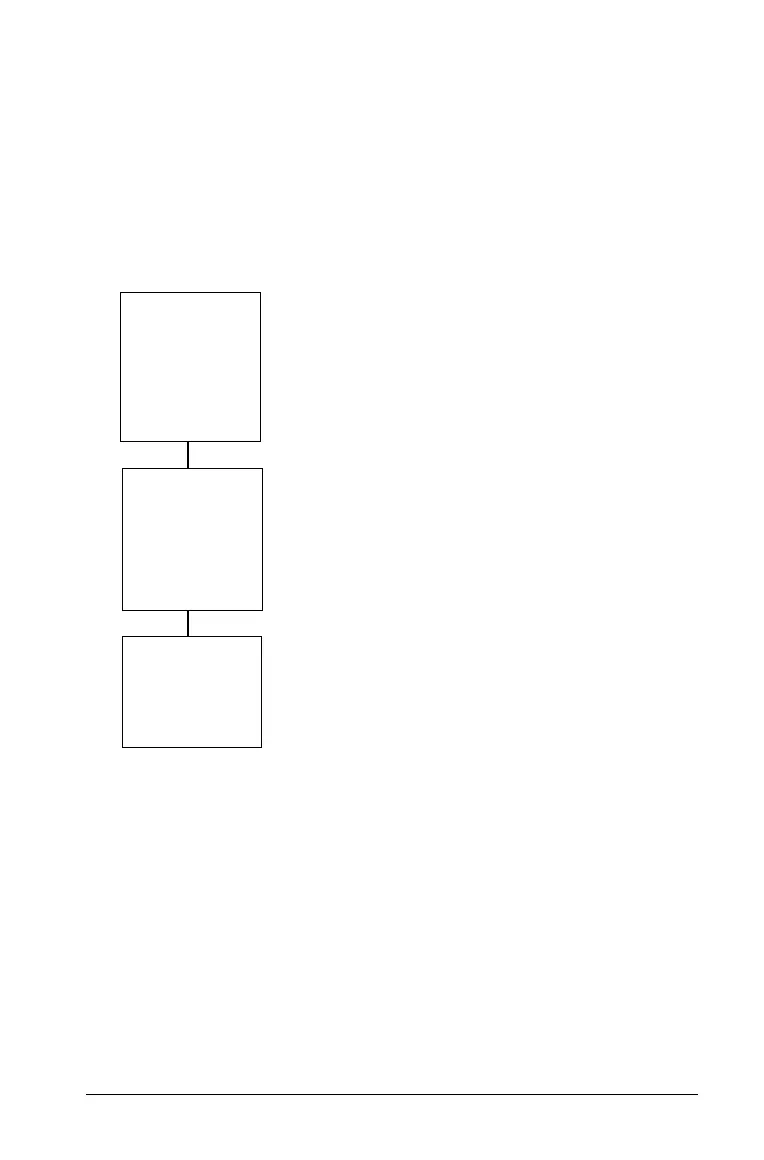
Create,
record,
and save
the script
Play
the
script
Close
the script
You can also:
• Insert text points.
• Insert pauses and delays.
• Insert a Go To Home
command.



 To Next Page