36 Connecting a calculator or CBL 2/CBR 2
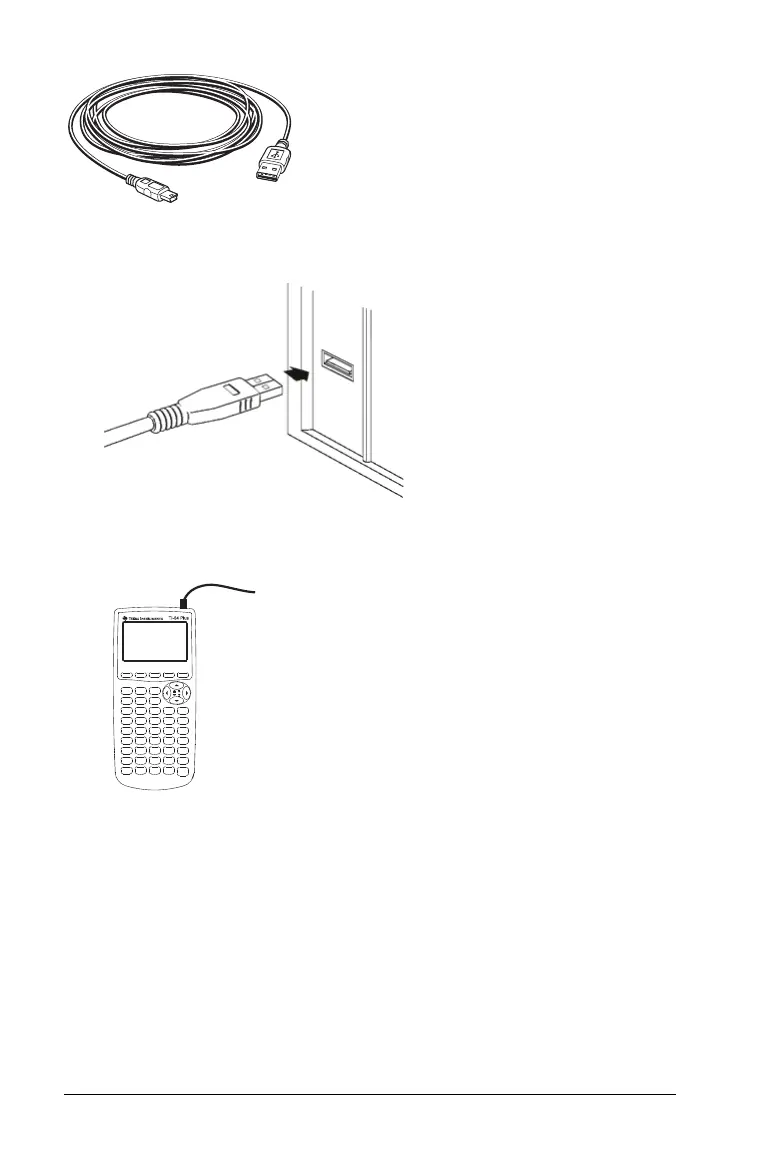
1. Firmly insert the cable’s standard USB connector into a USB port on
the computer.
2. Insert the cable’s mini USB connector into the calculator’s USB port.
The TI-84 Plus port is at the top right edge of the calculator.
3. Turn on the calculator.
Checking the calculator’s operating system
Not all TI-84 Plus or TI-84 Plus Silver Edition graphing calculators have an
operating system that can control TI-SmartView™. To check your
calculator:
f Press y L and then select 1:About.
The operating system number, immediately below the calculator name,
must be 2.40 or later. For example:



 To Next Page