37
TOPSIDE CONTROL INSTRUCTIONS
Down Button: To decrease the Run Time Minutes.
The panel calculates the end time and displays it automatically. In order
to maintain sanitary conditions, as well as protect against freezing, the
system will purge water from their respective plumbing by briey running
the pumps at the beginning of each lter cycle. If Filter Cycle is set to off,
or lter cycle 1 is set to 24 hours. The second purge cycle will start at the
time that is set for ltration cycle 2 start time.
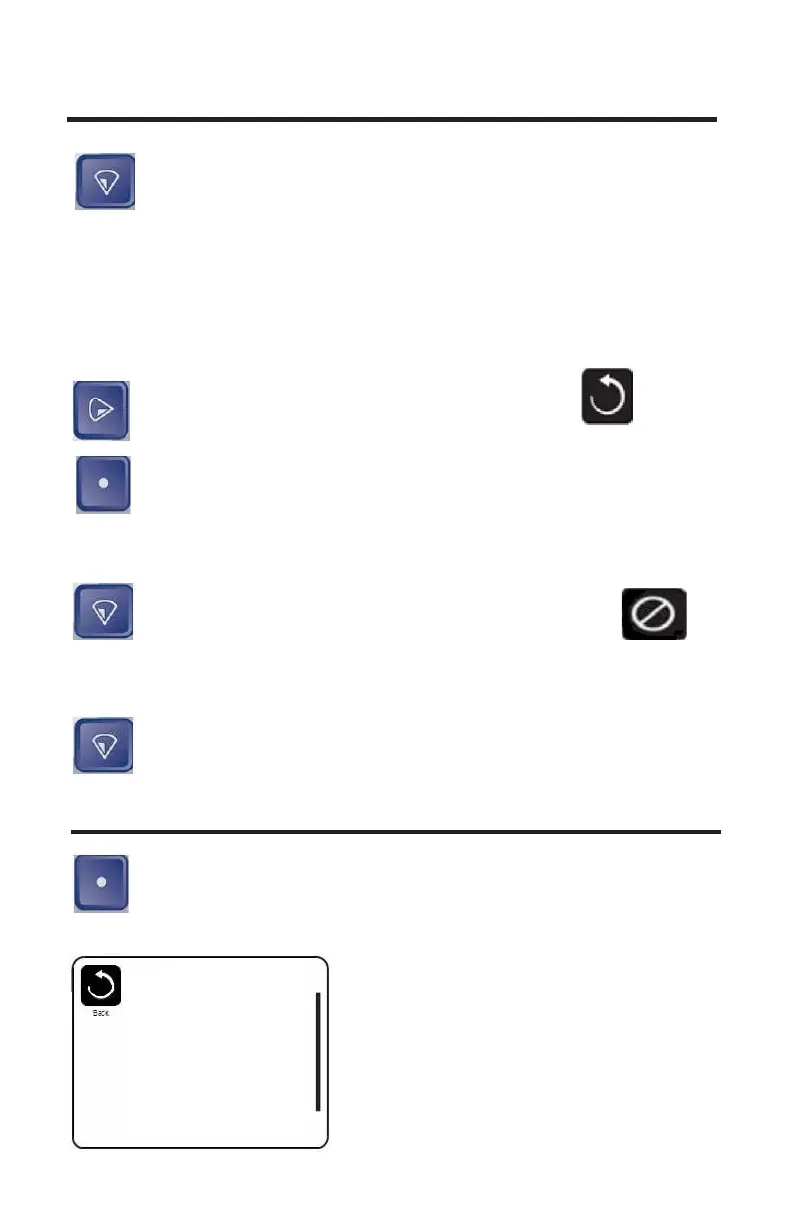
Right Button: Press the Right button to highlight Save 1
Icon.
Select Button: Press the select button to save and return to the
Setting Menu
OR
Down Button: Press the down button to highlight the
Cancel Icon.
Select the Setting menu.
Down Button: Press the down button until Invert display is
highlighted.
INVERT DISPLAY
Select Button: Press the select button to Change the display
from Normal to Inverted.
Normal: Display will be towards the inside of the spa.
Settings
Temp Range High
Heat Mode Ready
Time of Day
Filter Cycles
Light Cycle
Invert Panel Normal
Lock


 To Next Page