4
1. Introduction
The home gateway you have received enables services provided by your operator
and can become the full service node in your home.
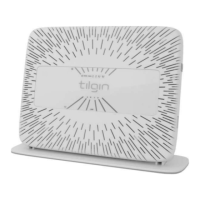
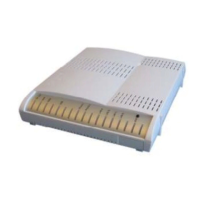
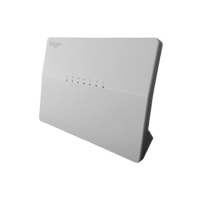
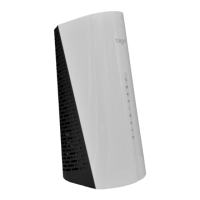
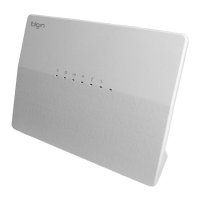
This Quick Guide contains start-up instructions for installing Tilgin Home Gateways
HG350 series. When following the instructions to connect and start-up the home
gateway it will automatically connect to your operator’s network for enabling
services offered by your operator. If provided, check the instructions from your
operator for additional steps needed when connecting and powering up the device.
Quick Guide available on:
http://www.tilginsolutions.com/company/support/
2. Delivered with the Home Gateway Unit
Confirm that you have received the following:
Content in packages for HG350 models:
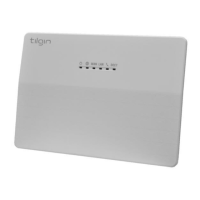
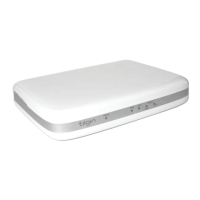
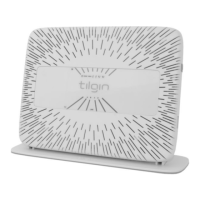
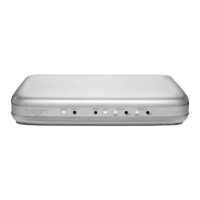
HG350 series Home Gateway
Quick Guide (this document)
EULA, EndUserLicenseTerms and Conditions
Your equipment provider might also include additional cables or
country-specific phone plugs.



 To Next Page