7
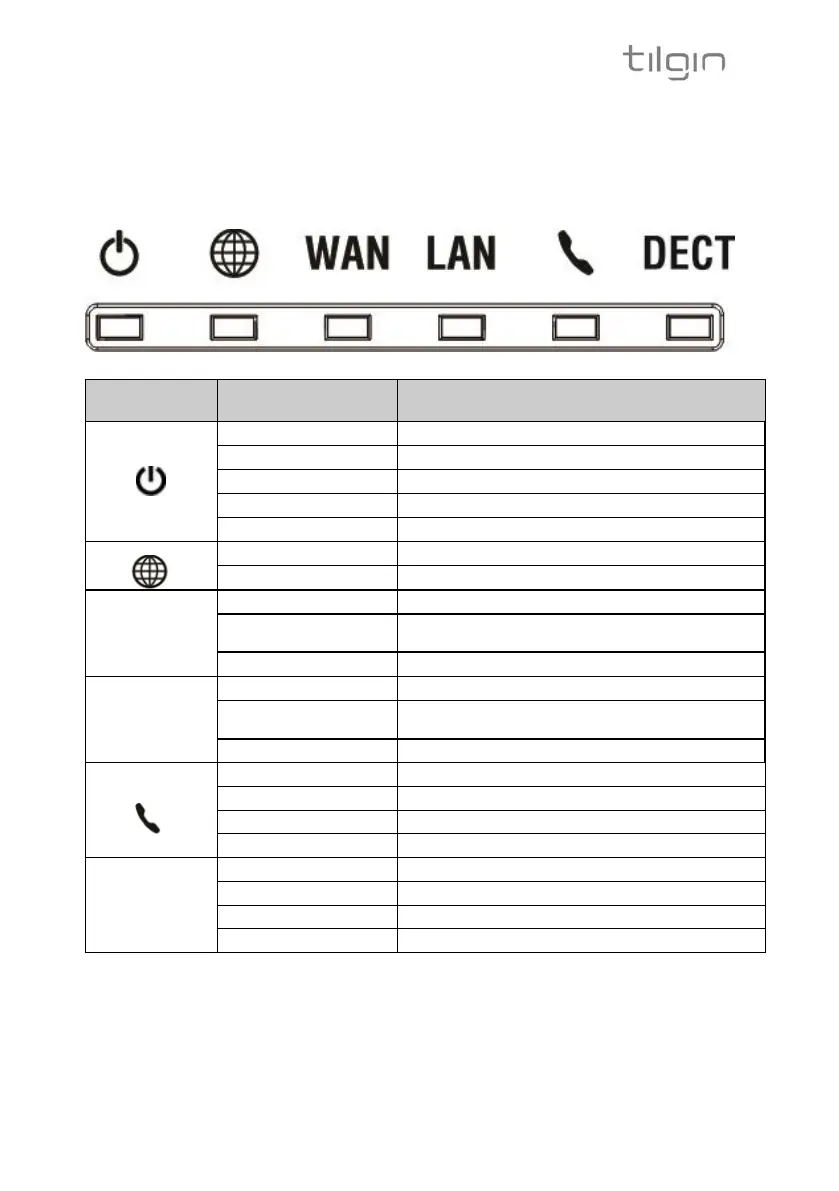
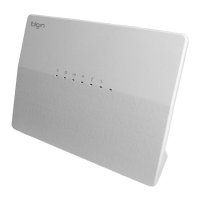
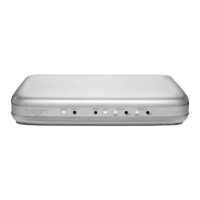
3.3. LEDs Front Panel
The front panel LEDs indicates the status of the Home Gateway, its services
and the network connectivity.
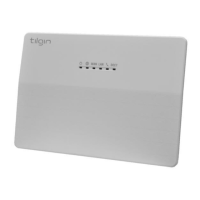
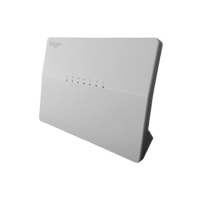
HG351 and HG354 Front Panel
Not ready, boot in progress
Connection to operator failed
No connection to internet
WAN
Ethernet
Connector
(Rear, Gray)
Link is being established or link established and
there is traffic
Link established but there is no traffic
LAN
Ethernet
Connector
(Rear, Yellow)
Link is being established or link established and
there is traffic
Link established but there is no traffic
No telephone services configured
One or more telephone services failed to register
The telephone services to your Operator is OK
VoIP account not registered
One or more telephone services failed
The telephone service is available



 To Next Page