5.3. HOW TO USE THE MENU
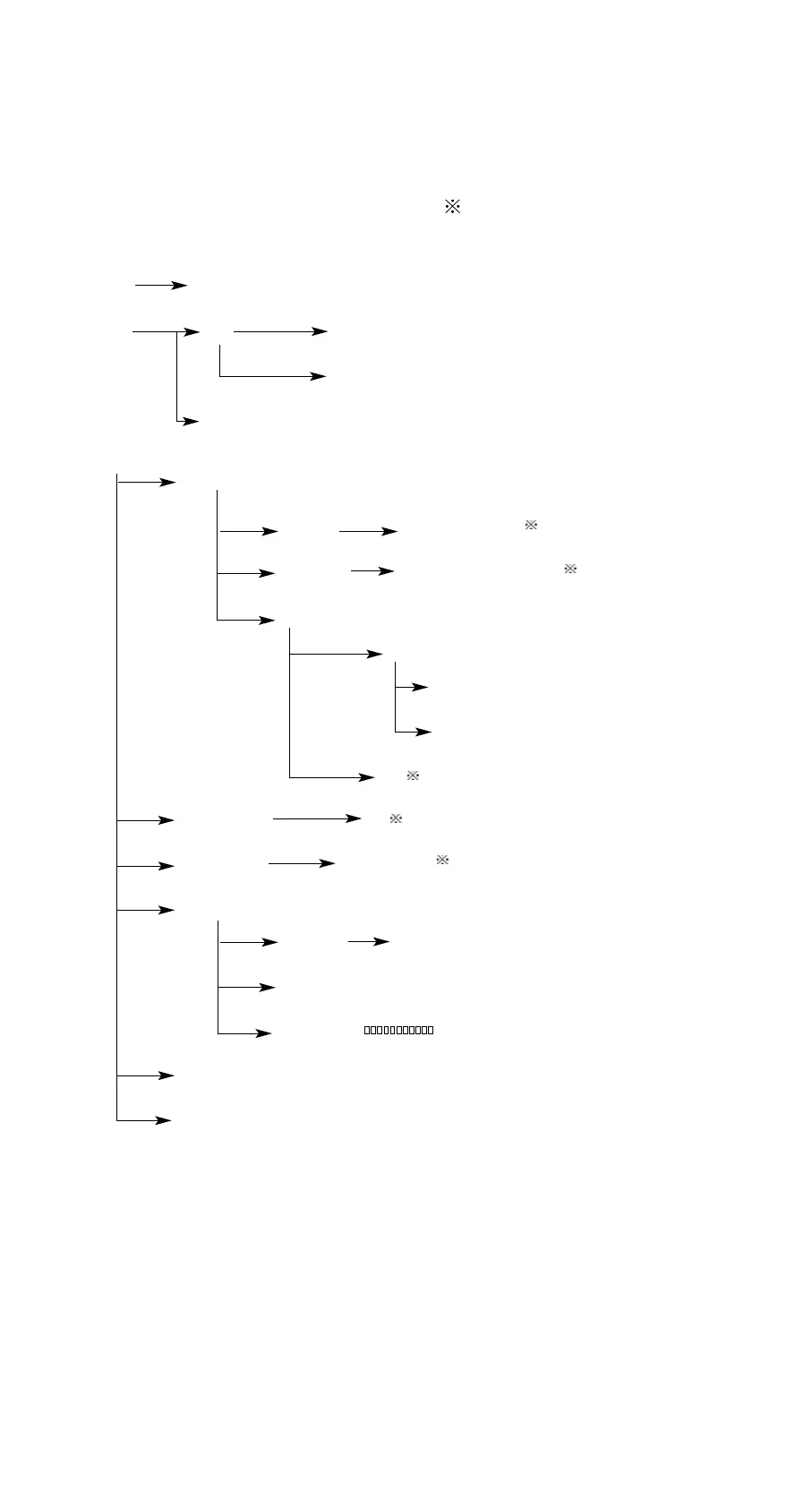
The descriptions of the menu give as follows (adjust): ( indicates the default settings).
Left/Right keys are used to choose in the rows of the menu. Up/Down keys are used to
choose in the columns of the menu. The background color of the fonts in the menu
changing to black indicates the item is chosen. Press “OK” key to confirm the operation
or enter into the submenu, Press “C” key to cancel operation or return to upper menu.
Up, Down, Left, Right keys and Number 2,4,6,8 keys are used alternately. When
operation is on the menu, the direction keys are in use. When numbers are need, the
number keys are available.
10 Manual TV-300
Clock
About
LCD contrast - +
AUTO shotdown
English
Languages
Personal
settings
Display modes
Point increment
No
Yes / No
Common/Special /Spectrum
Veloctiy/Displacemetn / Acceleration
10-200Hz/10-500Hz//10-1KHz /10Hz-10KHz
Alarm limit
Warning limit
Yes
Limit
Transmission
bands
Parameter
Measure settings
System
Delete
Print
All records before
Current record
View
Analyse
Print/Auto/Adjust/Zoom
Display


 To Next Page