5.4. DESCRIPTION OF FUNCTIONS
5.4.1. DISPLAY
"Display" can change the display modes from common, special and spectrum
modes. It can give convenience for users to look through the data from different
way, but it does not change the default settings of display modes. If users want to
change the default settings of display modes, the submenu "Display modes" in the
menu "System" should be changed.
5.4.2. ANALYSE
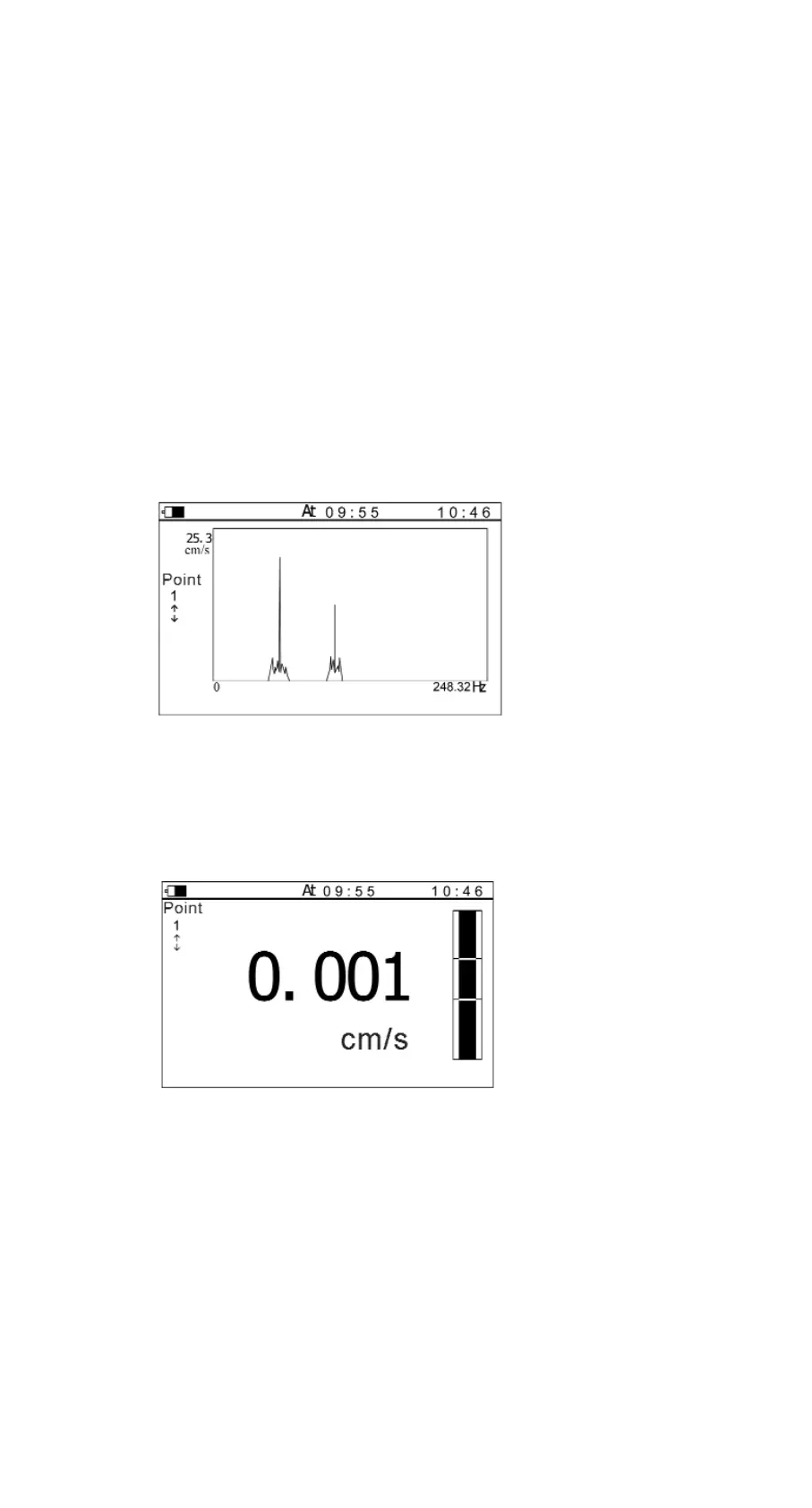
When diagnosing the fault, users could use this function. Spectrum chart maybe
display like this. (See Figure 5-2)
Figure 5-2
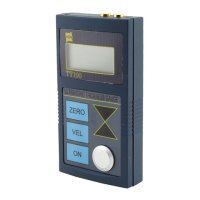
When the measurement value is higher than the warning limit, TV300 can
automatically give an alarm and request to enter into spectrum testing mode (see
Figure 5-3).
Figure 5-3
Manual TV-300 11
SystemAnalyse ViewDisplay
NoFFT graph: YesDraw


 To Next Page