9
• Press and hold the Time button for
3 seconds, the word Hold will show
on the screen.
• After 3 seconds release the
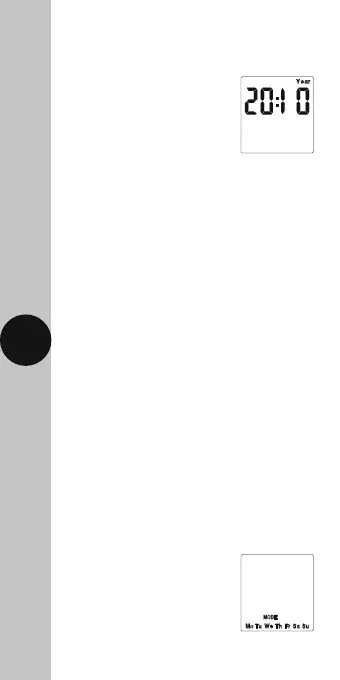
Time button and the screen
will show the year;
• Press the Time button repeatedly until
the minutes are shown.
• Use Adv/Ovr or Boost to change the minutes
to the correct value.
• Press the Time button once to return
to operating mode.
Note: Other changes can be made the
same way, but the Time button must be
pressed to return to operating mode after
any changes. There is no automatic exit
from Time/date entry mode.
9. Programming
ON/OFF times
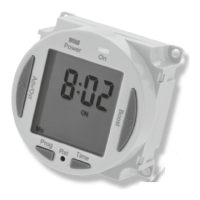
The NTT06/07 has 4 independent On/Off periods
available for programming each day.
For the NTT06, 24 hours is the only option,
so all 7 days will be the same.
For the NTT07 there is a choice of programming
options, including 7 days the same (24 hours),
5 + 2 days (where the weekdays are the same,
and the two weekend days are the same),
and 7 individual days.
• Press and hold the Prg
button for 3 seconds,
the word Hold will show
on the screen.
• After 3 seconds release the
Prg button and the MODE
screen will be displayed;











 To Next Page