10
••
GUARD1 PLUS Quick Tour Installation Guide
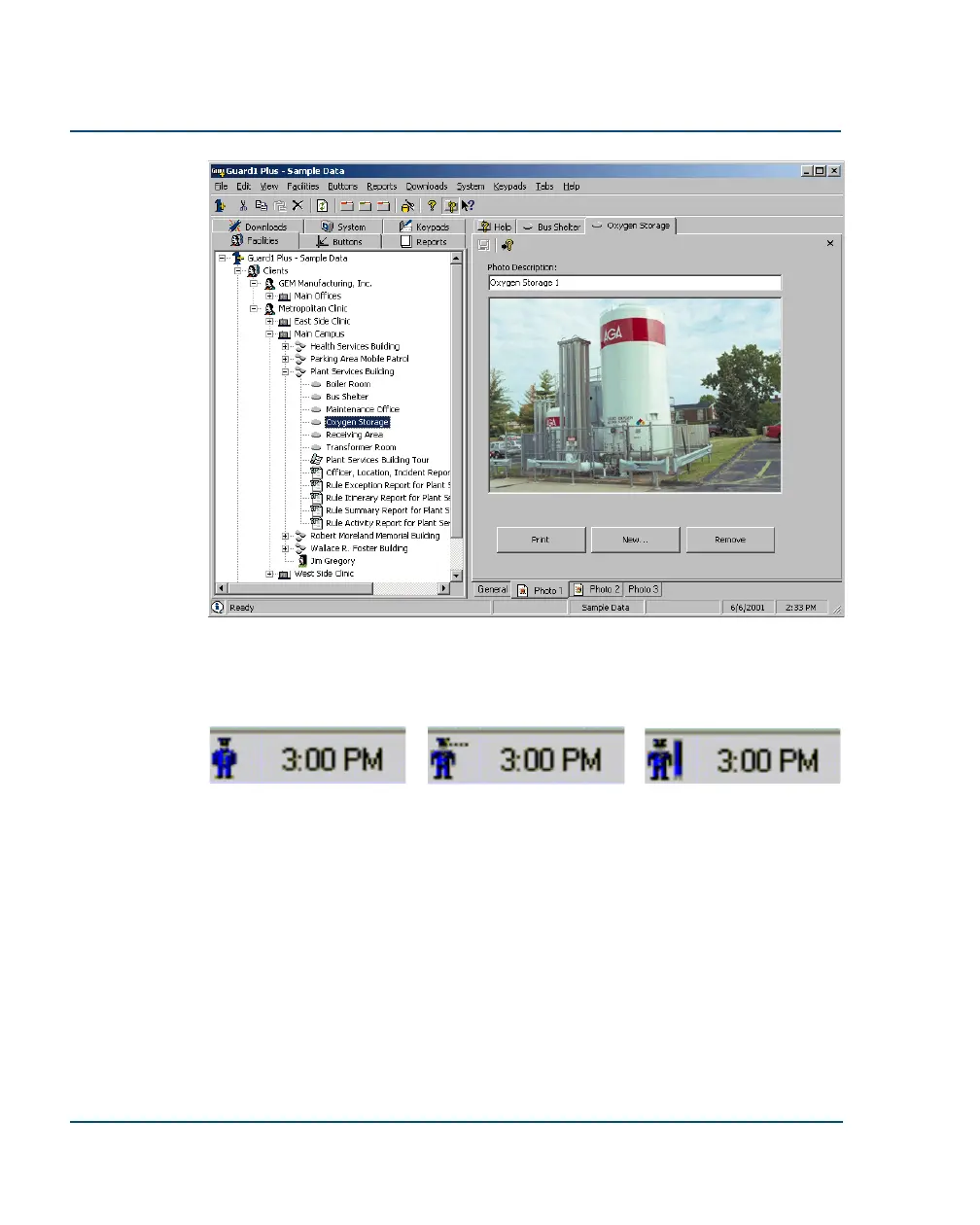
GUARD1 PLUS includes a sample data file. Learn about the program’s features or try something
new, then switch back to the master database to use your own data. To open the sample data-
base, select File | Use Sample Data from the menu bar.
At ease... Looking for a reader... Found a reader!
The Attendant manages downloading for G
UARD1 PLUS. It detects T
HE PIPE and other devices
automatically and indicates the program’s status. The Attendant can be set to download when
G
UARD1 PLUS is not running, so that officers who do not have access to GUARD1 PLUS can still
download their readers.
The Attendant is always located in the system tray of the Windows taskbar. To
configure the Attendant, double click on it.



 To Next Page