6 Set Up Your Hardware in GUARD1 PLUS
If you are using T
HE
PIPE and a Plug-and-Play Direct Downloader, G
UARD
1 P
LUS
will recognize your hardware automatically.
If you have an older Direct Downloader, a Mobile or Modem Downloader, or if you
are using equipment from another manufacturer, use the Add Devices Wizard to
identify your hardware and add it to G
UARD
1 P
LUS
. To run the Add Devices
Wizard, select System | Add Devices Wizard from the menu bar, then follow the
instructions on your screen.
12
••
Set Up Your Hardware in GUARD1 PLUS Installation Guide
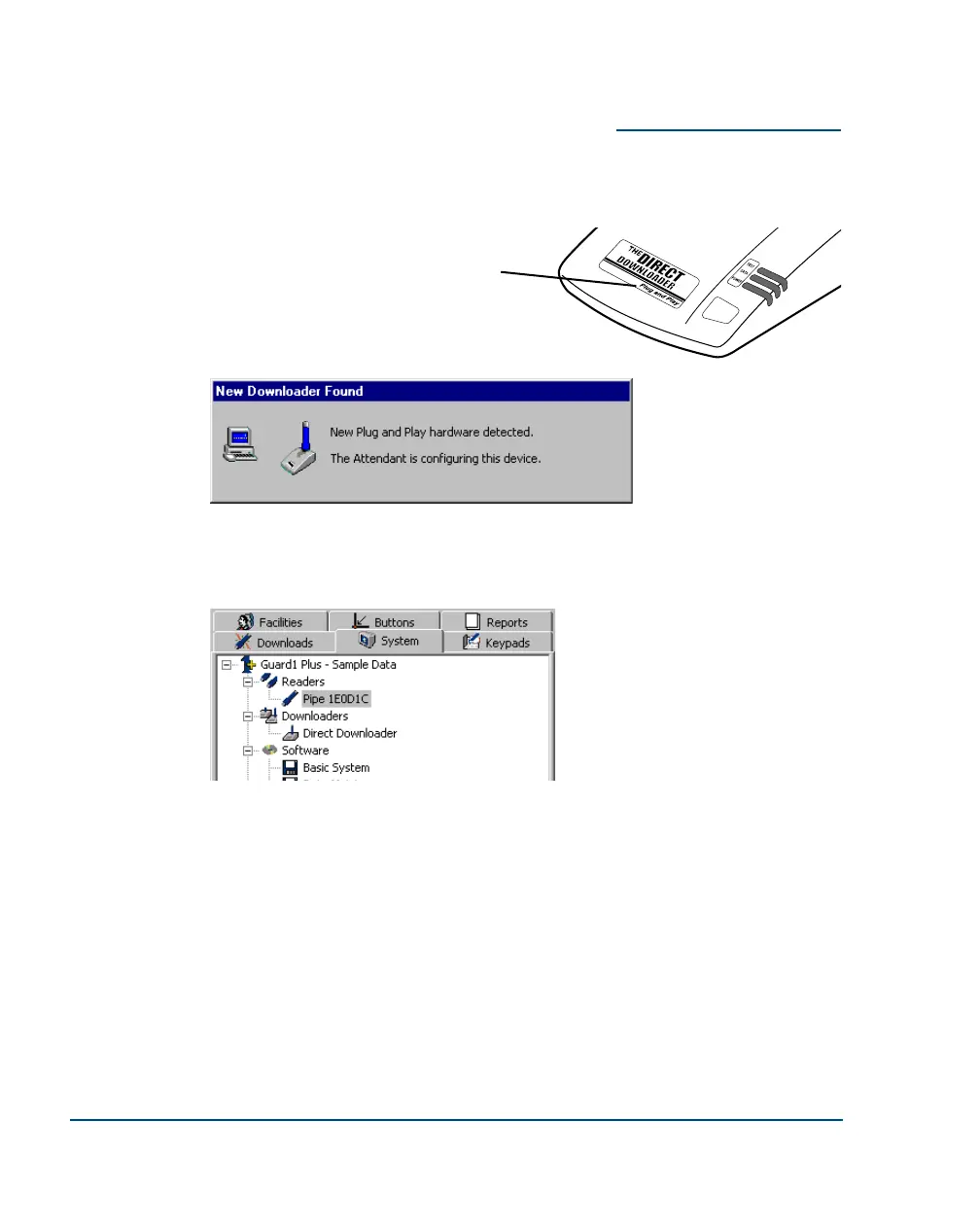
To determine if you have a Plug-and-Play
Direct Downloader, look at the product
label.
Once a reader or downloader is added to G
UARD1
PLUS, it will appear on the System tab.
G
UARD1 PLUS automatically detects Plug-and-Play Direct
Downloaders. If you have a Plug-and-Play Direct Downloader,
this dialog should appear briefly the first time you run GUARD1
PLUS.



 To Next Page