2 Connect the Downloader
1. Turn off your computer.
2. Position the downloader near your computer.
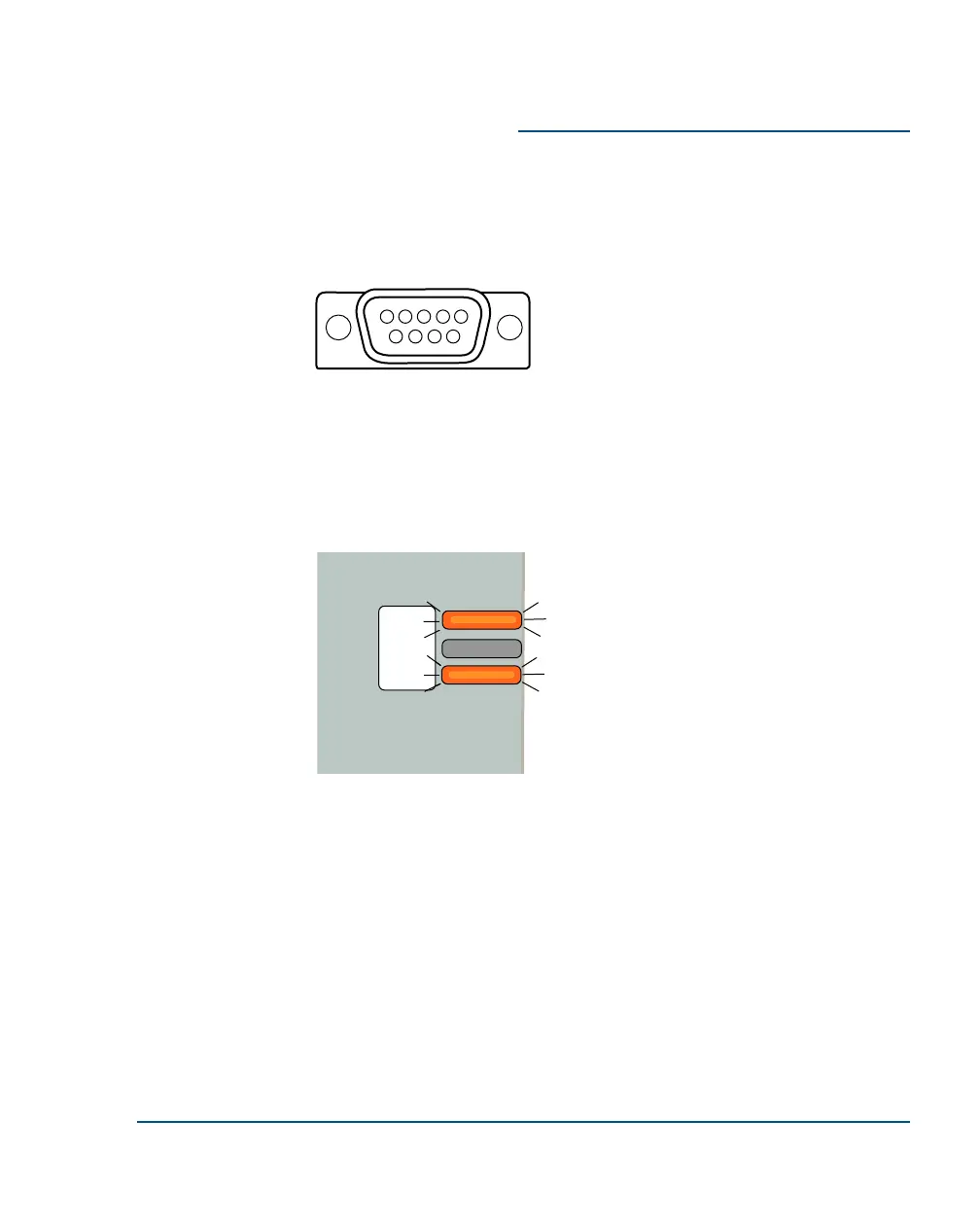
3. Find the serial port on the back of your computer. Most computers have
9-pin serial ports. Your port probably looks like this:
4. Connect the downloader cable (part number CBL-DL-PNP-PC) to your
serial port.
5. Connect the other end of the downloader cable to your Direct Downloader.
6. Connect the power adapter to the downloader and plug it into a convenient
electrical outlet. The power and test LEDs should be lit:
Installation Guide Connect the Downloader
••
3



 To Next Page