8 Set Up Your Buttons
This section explains how to add buttons for officers, locations, and incidents.
To learn more about these topics, or if you have equipment from another manu-
facturer, consult the online documentation in G
UARD
1 P
LUS
Help.
There are two ways to add buttons to G
UARD
1 P
LUS
.
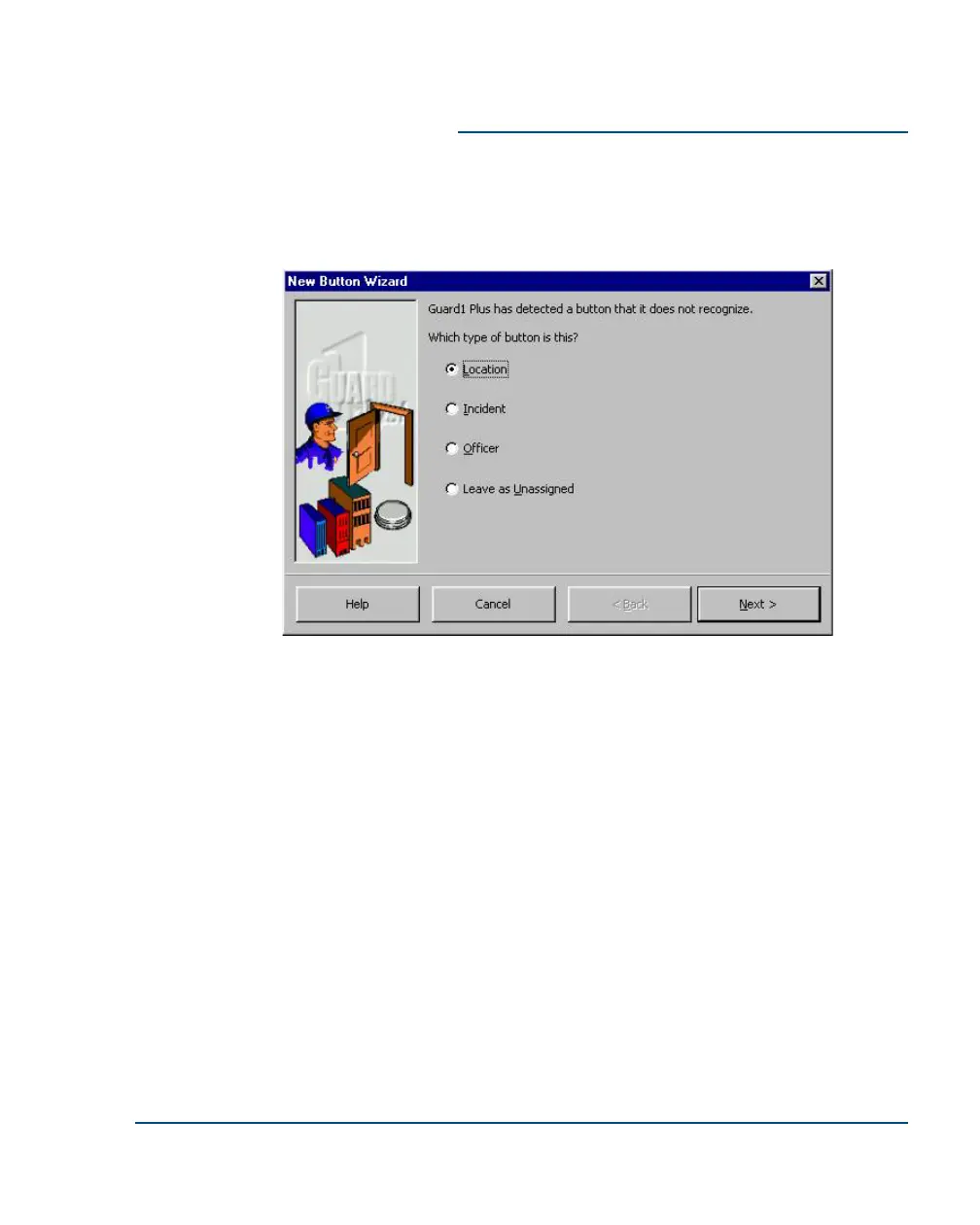
Method 1 - Reading buttons with the Direct Downloader
1. Touch a button to the touch port of the Direct Downloader.
2. The New Button Wizard will start. Follow the instructions on your
screen.
3. Locate the button appropriately:
•
Mount officer buttons on an officer's ID badge, at a main desk,
or other place.
Installation Guide Set Up Your Buttons
••
15



 To Next Page