5 GUARD1 PLUS Quick Tour
Here are some highlights of G
UARD
1 P
LUS
. More detailed information is found in
the online documentation in G
UARD
1 P
LUS
Help.
6
••
GUARD1 PLUS Quick Tour Installation Guide
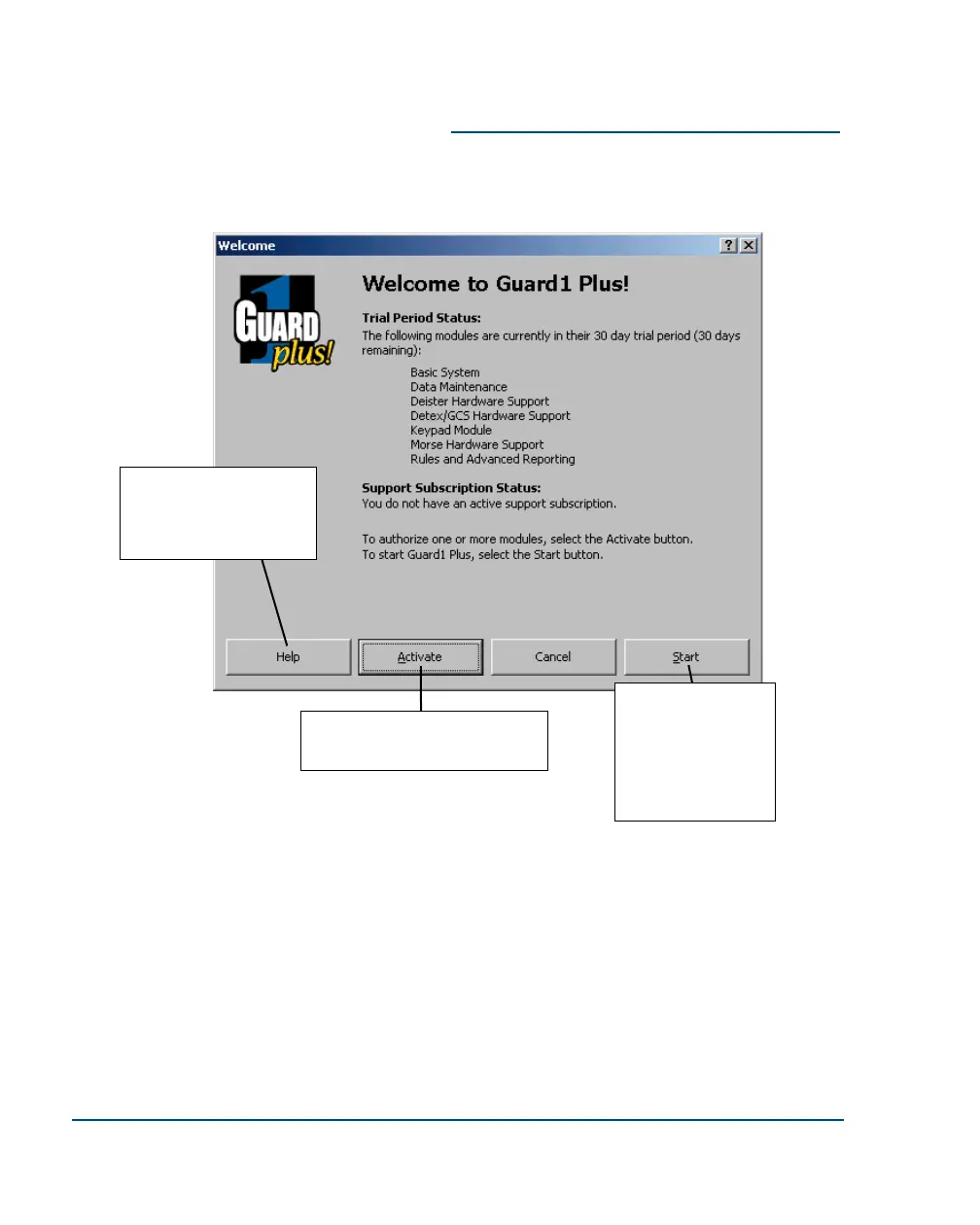
Click here to learn more
about the Welcome
Screen and software acti-
vation process.
Click here to start
G
UARD1 PLUS.
If this button is
disabled (“grayed
out”) click the Help
button for activation
instructions.
Click here to activate (purchase)
one or more software modules.
When you start G
UARD1 PLUS, the Welcome Screen appears. It shows the status of
your 30-day trial, registration status, if you have purchased any modules (compo-
nents) and the status of your technical support subscription.



 To Next Page