10 View or Print Your Data
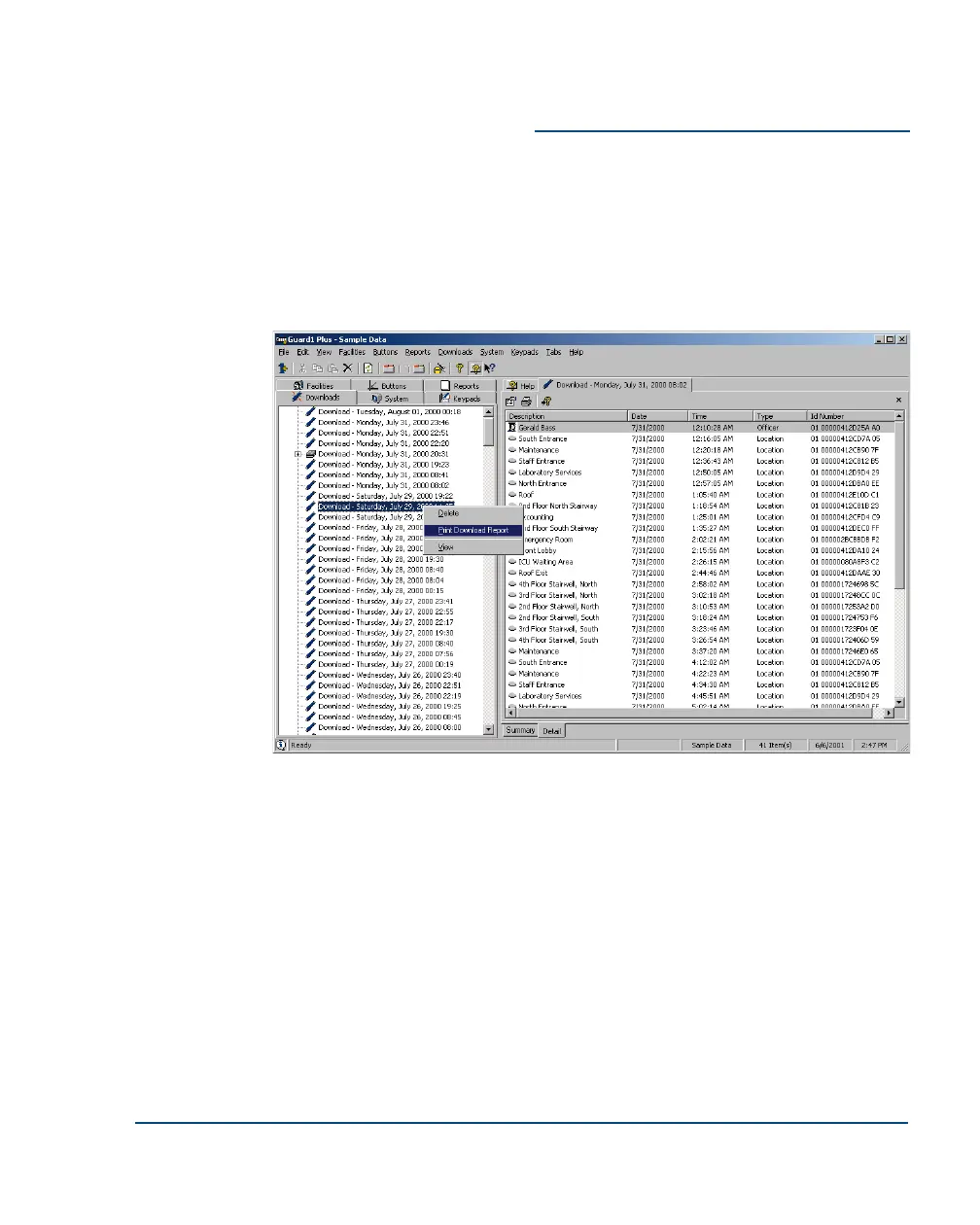
To view a report of a single download:
1. Click on the Downloads tab.
2. There is one entry on the Downloads tab for each time you have
downloaded data. (You will probably want to view the most recent
download.)
3. To view the download data, double click on the desired entry.
4. To print a download report, right click on the desired entry, then
select Print Download Report.
Installation Guide View or Print Your Data
••
19



 To Next Page