52
53
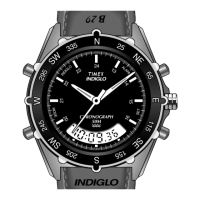
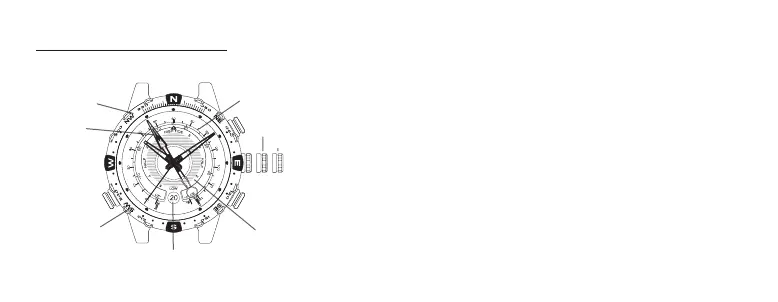
TIDE TEMP AND COMPASS
OVERVIEW
INDICATOR HAND ADJUSTMENT
Pull crown all the way out. Indicator hand should point
to 12 o’clock. If it does not, press either TIDE or TEMP
push button to move hand until it points to 12 o’clock.
TIDE and TEMP push buttons move hand clockwise and
counterclockwise, respectively. Hold push button to move
hand fast. Push crown in when done.
TIDE/TEMPERATURE SELECTION
Indicator hand shows either tide or temperature constant-
ly. When temperature is shown, press TIDE push button
to select tide clock. Hand moves to low tide and then to
current tide. When tide is shown, press TEMP push button
to select thermometer. Hand moves to beginning of ther-
mometer scale and then to current temperature.
OUTER-SET TIME
DECLINATION
SCALE
INDICATOR
HAND
C (COMPASS)
B (TIDE)
A (TEMP)
CROWN
TURNING
COMPASS
RING
DATE
TIDE SCALE
TEMPERATURE SCALE
MIDDLE-SET DATE



 To Next Page
 Loading...