15
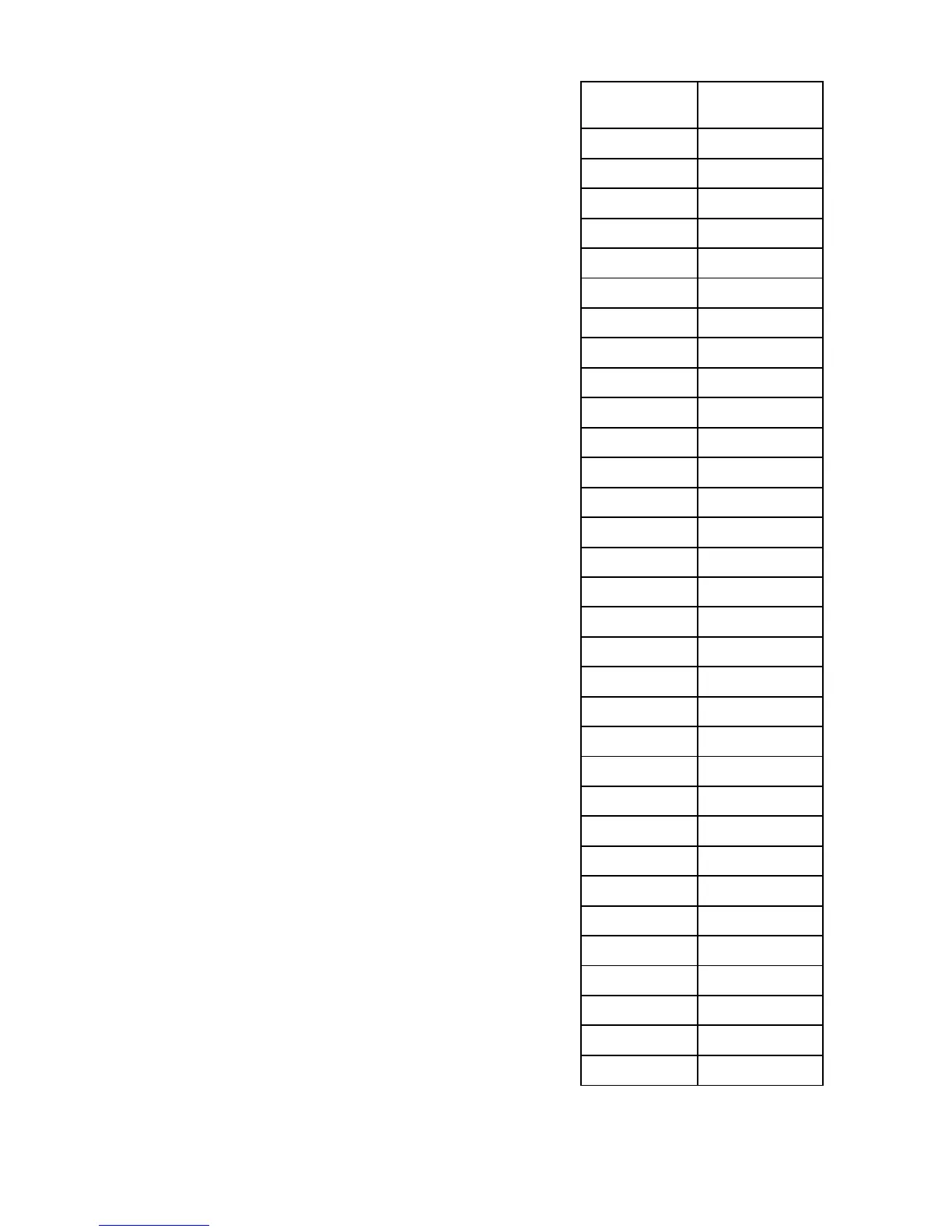
Use this chart to create a
schedule to assist in programming
Signal Tones.
12. Setting Signal Duration
The T100 can produce a signal for 0 to 30
seconds (Default is 5 seconds).
•
Press <AM IN> once
(If entering
programming mode begin at “Inputting the
Default Password” section & continue to
this step).
• Press <OT IN> to advance the seconds of
duration.
•
Press <OT OUT> to save.
Event Signal
Tone
1
2
3
4
5
6
7
8
9
10
11
12
13
14
15
16
17
18
19
20
21
22
23
24
25
26
27
28
29
30
31
32



 To Next Page