Need help?
Do you have a question about the Timex T2351 and is the answer not in the manual?
Describes the buttons and functions located on the top panel of the clock radio.
Details the ports and connections available on the rear of the unit, such as antenna and power inputs.
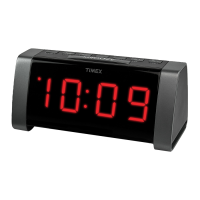
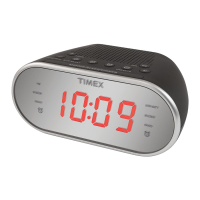
Explains the display elements and the USB charging port on the front of the unit.
Instructions for connecting the clock radio to a working wall outlet via the AC adapter.
Steps to power the clock radio on and off using the Power/Alarm Reset Button.
Guide to accurately setting the current time on the clock display.
Detailed steps to set the desired hour and minute for Alarm 1 and Alarm 2.
How to choose between Buzzer or Radio alarm, and how to disarm an active alarm.
Method to silence a sounding alarm and reset it to activate the next day.
Instructions for tuning and listening to FM radio stations, including volume control.
Steps to save and recall up to 10 FM radio station presets for quick access.
How to connect external audio sources like phones or MP3 players via the AUX IN jack.
Steps to switch the unit to AUX input mode to play audio from connected devices.
 General
| Type | Clock Radio |
|---|---|
| Brand | Timex |
| Model | T2351 |
| Display Type | LED |
| Radio Tuner | AM/FM |
| Snooze Function | Yes |
| Weight | 1.2 lbs |
| Alarm Features | Dual Alarm |
| Power Source | AC |
| Backup Battery | Yes |


 To Next Page