Side 17
Press “MODE” button until you see “AUX IN” mode. If you
can’t find “AUX IN” mode, then press and hold “MENU”
button to enter menu,
1. Use Tuning Knob to scroll up or down to select “AUX
IN/OUT Select”, press Tuning Knob to confirm.
2. In “AUX IN/OUT Select” menu, use Tuning Knob to
select “AUX IN” and confirm by pressing Tuning Knob.
3. Connect an external audio source such as
iPad2/iPhone/iPod or MP3 player etc. into “AUX IN”
jack on the right-hand side of TINY AUDIO C6 with the
provided 3.5mm audio cable.
Charging iPad/iPhone/iPod/mobile phones/tablets/camera:
1. Using your mobile phone USB cable and plug the USB
connector into the dual USB car charger with 12V
socket,
2. Connect the other end of the cable to your device and
start charging. (Charging Power Output: 5V, 1A, the
current is big enough for iPad charging)
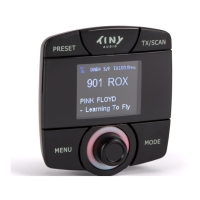
LCD display Dimmer Control:
When drive at night, you may control the brightness of the
color LCD display by press and hold the “MODE” button to
dim the display. Press and hold the “MODE” button again to
return to normal brightness level.


 To Next Page