11
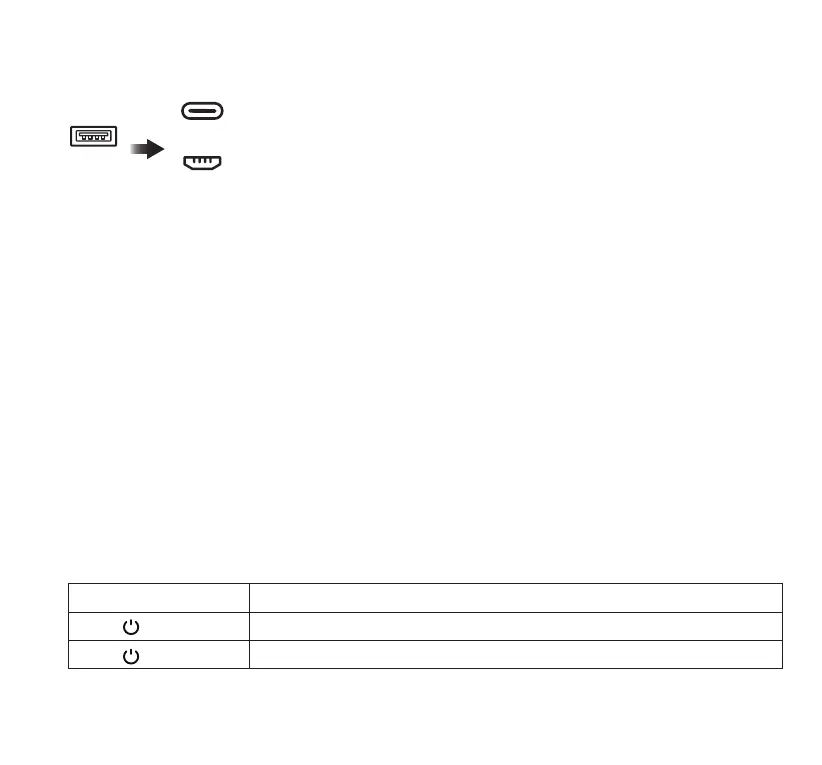
USB to USB-C Charging Cable / USB to Micro USB Charging Cable
1. Plug the USB end of the charging cable included into a USB port on a computer or 2A USB wall
adapter (not included).
2. Connect the other end of the charging cable to the USB-C or Micro USB input port on the Power
Bank.
3. Disconnect the Power Bank when it is fully charged. Store the Power Bank in a safe place when not
in use.
We recommend using the USB to USB-C Cable or USB to Micro USB Cable provided in this package
as your charging cable
NOTES:
Fully charge the Power Bank before rst use. To preserve the battery life and performance, check the
battery status regularly, charge when needed. Recharge every 2-3 months if Power Bank is not being
used.
In order to reduce the risk of re or electric shock, an adapter shall be chosen that is suitable for the
application and is certied as a Class 2 or LPS power supply or power adapter.
10. CHARGING THE POWER BANK
USB
IN
USB-C
MICRO USB
11. POWER BUTTON FUNCTIONALITY
Action Behavior
Press once Turn on the Power Bank and LED Indicators.
Press twice Turn off the Power Bank and LED Indicators.



 To Next Page