17
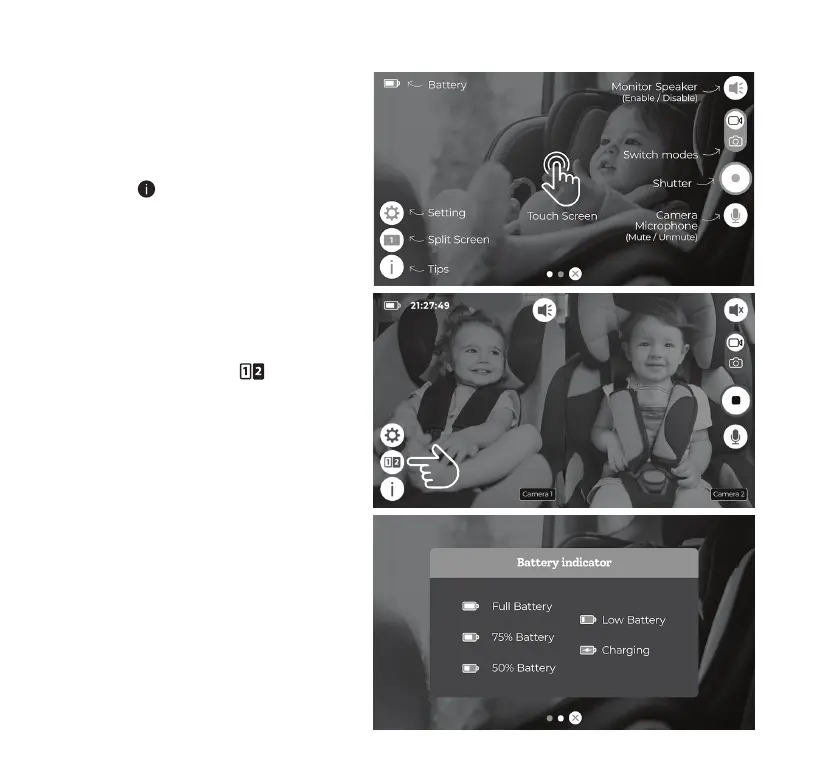
Battery Indicator
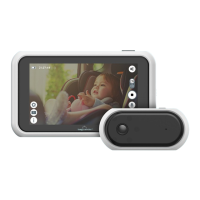
The 5” Touch Screen LCD Monitor operates
by touch screen; all the functions can be
done by tapping and swiping on the screen.
Tap on the Tips icon for on-screen
instructions.
The battery indicator shows the battery level
of the Touch Screen LCD Monitor.
16. CONFIGURATION AND MENU SETTING
Split Screen
If you purchase the Tiny Traveler™ Add-
On Camera (TTCAMB / TTCAMW, sold
separately), you can tap the Split
Screen icon to switch between different
screen modes after you pair the Add-On
Camera with the Monitor.
NOTE: Visit mytinytraveler.com for more
information on where you can purchase the
Tiny Traveler™ Add-On Camera.



 To Next Page