16
15. PAIRING THE CAMERA
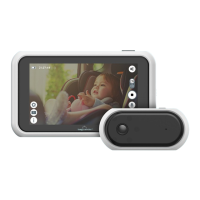
No camera pairing is needed as the Tiny
Traveler™ Car Camera is already paired
with the 5” Touch Screen LCD Monitor.
However, if you purchase the Tiny Traveler™
Add- On Camera (TTCAMB / TTCAMW, sold
separately), you need to pair the Add-On
Camera by following these steps:
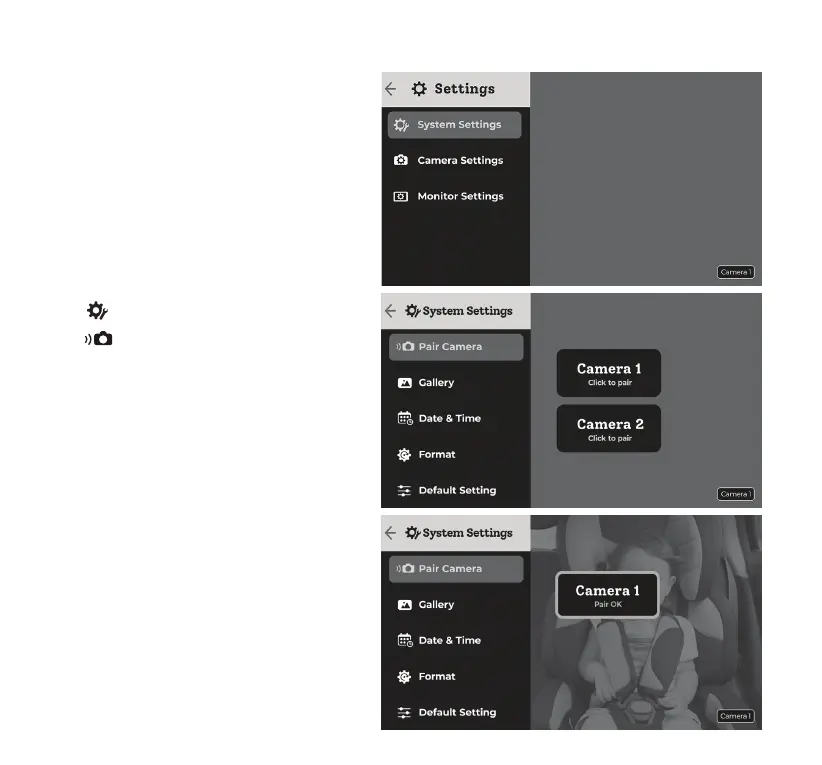
1. Tap System Setting.
2. Tap Pair Camera.
3. Choose the Camera you wish to pair and
click to pair.
4. On the Camera hold down the pair button
for 5 secs until the pair indicator light
ashes blue.
5. Pairing is done when you see Pair OK.
You should see the image from the Car
Camera.



 To Next Page