18
Menu Tree:
See below for the settings to be found under each submenu:
System Settings Camera Settings Monitor Settings
Pair Camera Contrast Loop Record
Gallery Saturation Warning Image
Date & Time Rotate Camera Screen Save
Format Voice Activation Monitor Brightness
Default Setting Night Vision Language
System Settings
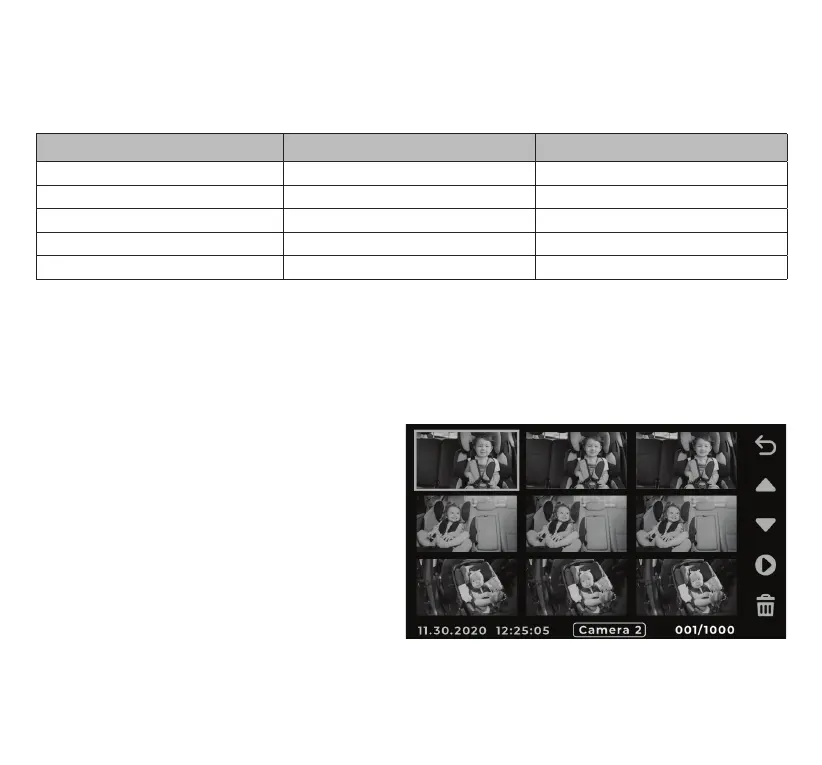
Video Gallery
1. Pair Camera (see page 16)
2. Gallery - Choose video or photo gallery.
3. Date & Time (see page 15)
4. Format
- Erase all data on the Micro SD card.
- NOTE: DO NOT format the Micro SD card
using other devices.
5. Default Settings
- To reset all settings to their defaults.



 To Next Page