INSTALLATION MANUAL
MODEL : TIS-4PL-E66D
NETWORK 4 ZONE AMPLIFIER
14
www.tiscontrol.com
TIS CONTROL LIMITED
Wanchai, Hong Kong
TIS CONTROL PTY LIMITED
SA, AUSTRALIA
Copyright © 2023 TIS, All Rights Reserved
TIS Logo is registered trademark of TIS CONTROL.
All of the specification are subject to change without notice.
Spotify
Airplay
Qplay
Listen to Local Music
To use Spotify, you must have a premium
account. You can nd the device in the
Spotify app’s device list and select the
device to stream from.
The device supports Airplay, so you can
play music by selecting Airplay in your
iOS device.
The device supports QQ music via the
Qplay protocol; you must enable Qplay
in the QQ music application settings and
then locate the device in the Qplay list.
TIS-4PL-E66D can stream music from
your mobile phone, USB storage drive,
or NAS via the DLNA protocol, PC
software such as iTunes, or UPnP/DLNA
third-party software.
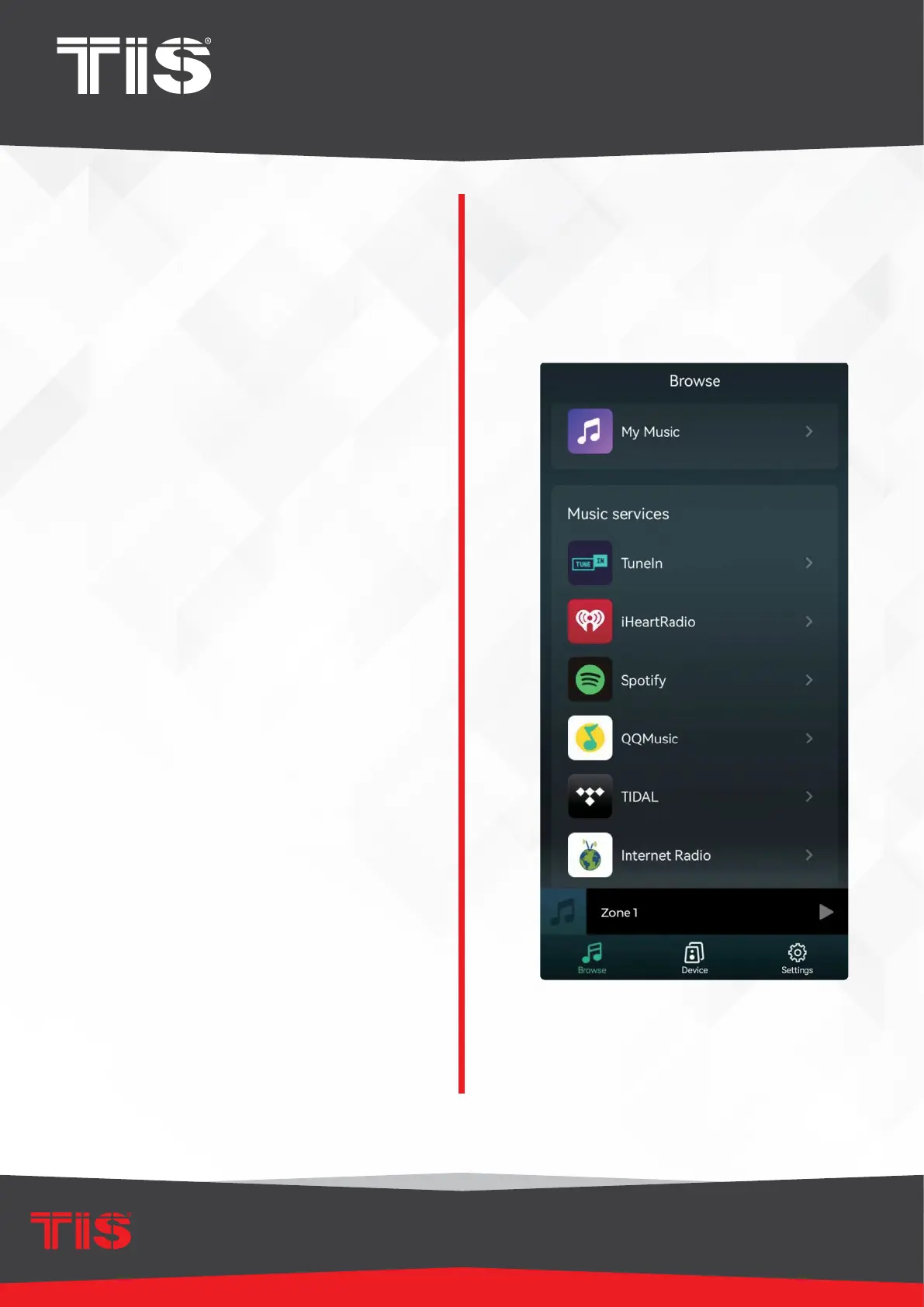
Click “My Music” to select the local device
from which you want to play music.
▸
Keep in mind that iOS devices have
restricted access to the iTunes library.
▸
Our system only supports NAS
devices that use the DLNA protocol.


 To Next Page