INSTALLATION MANUAL
MODEL : TIS-4PL-E66D
NETWORK 4 ZONE AMPLIFIER
17
www.tiscontrol.com
TIS CONTROL LIMITED
Wanchai, Hong Kong
TIS CONTROL PTY LIMITED
SA, AUSTRALIA
Copyright © 2023 TIS, All Rights Reserved
TIS Logo is registered trademark of TIS CONTROL.
All of the specification are subject to change without notice.
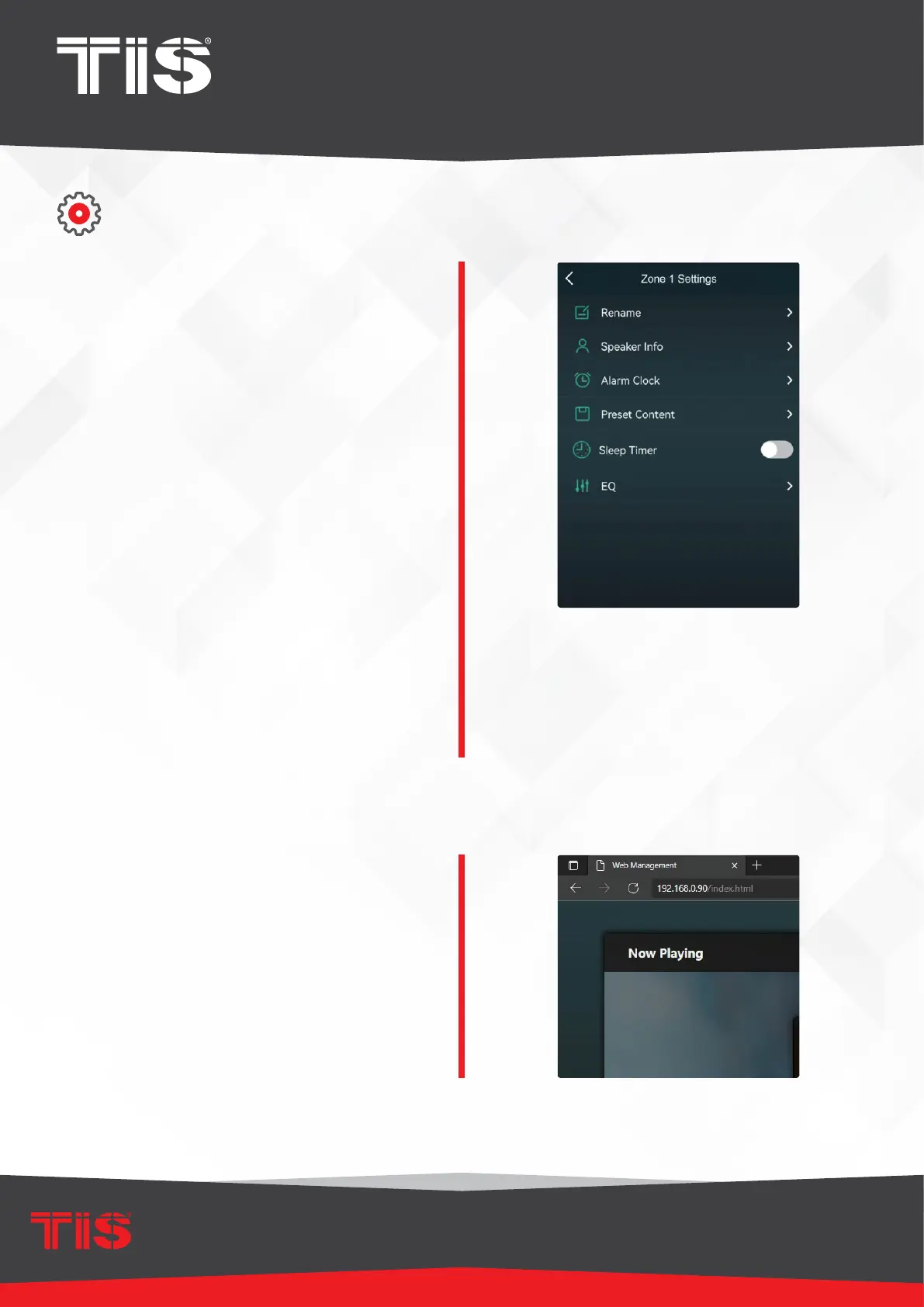
DEVICE SETTINGS
Rename: You can rename of each zone to suit
your needs.
Speaker Info: This section presents device
information such as the IP address, device name,
rmware version, and Restore Factory Default.
Alarm Clock: Set up a music alarm clock
with music from the Preset list, internet radio,
iHeartRadio, Napster, Tidal, Spotify, Deezer, and
NAS.
Preset Content: For quick access, you can save
up to ten different playlists or radio stations to the
Preset list.
Preset any list or station with the speaker icon.
When you click on the speaker icon, you can add
it to the preset list.
Sleep Timer: To stop the music, set a Countdown
timer. EQ: You can adjust the device’s treble and
bass.
Restore Factory Settings: To restore the device
to factory default settings, long press the Reset
button for 8 seconds. This will clear all zone
names, volume, and the current input source.
Web Player Interface
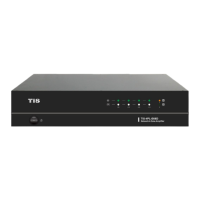
You can access the web player interface
by entering the device’s IP address into
a web browser.
▸
You can nd the device’s IP address
by clicking on the device setup icon
and then selecting Speaker Info.


 To Next Page