Titan Dynamics
Titan Dynamics Webpage
Visit our Facebook page
Join our Discord server
Page
19
of
28
4.3: Tuning “hole horizontal expansion”
It is very important to check the fitment of the carbon rods in their holes on the first
parts you print. Because everyone may be using different printers, materials and slicer
settings, it is not possible to provide the models with a slicing profile and hole size that
will work for everyone.
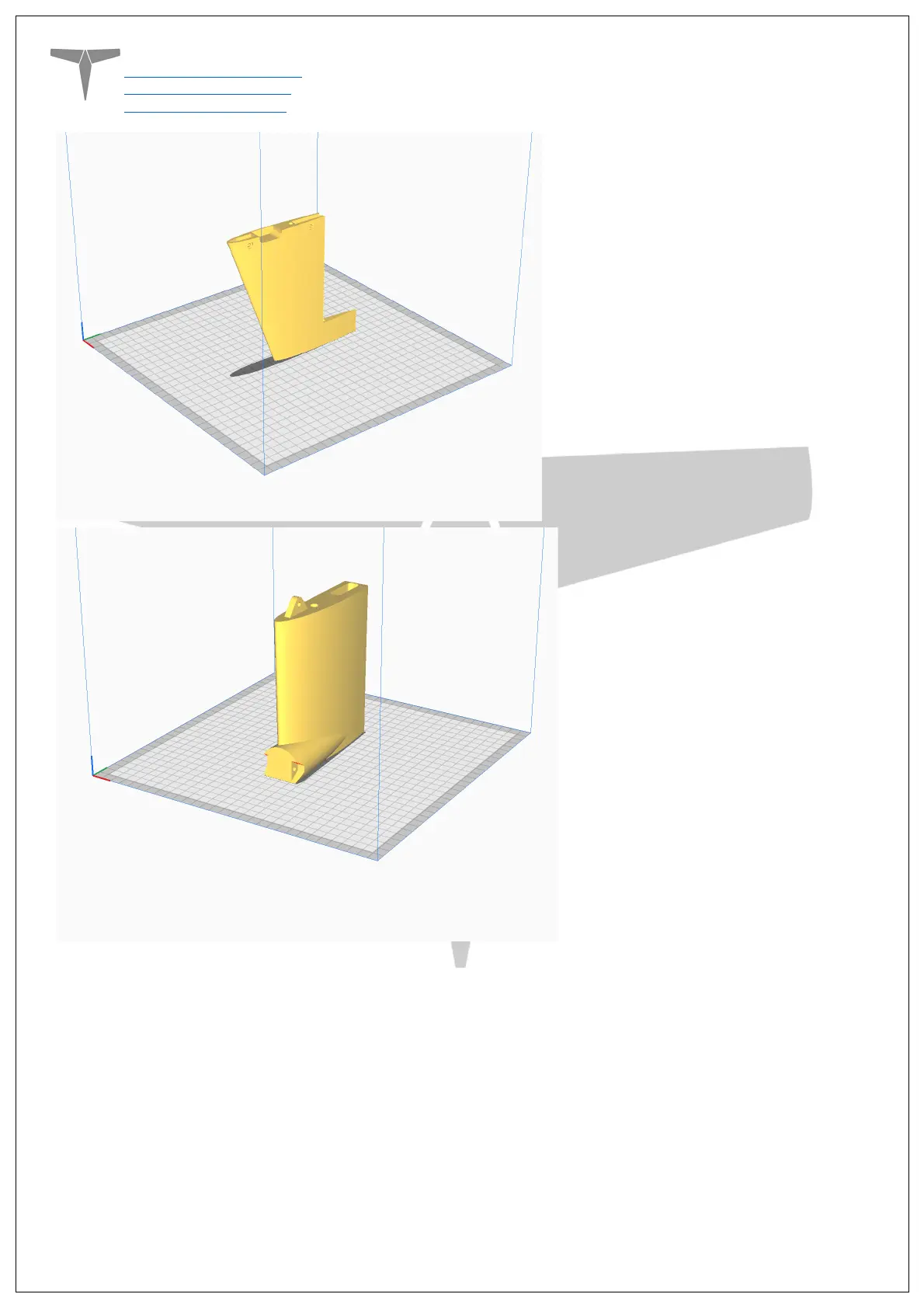
Print your first part with carbon spar hole and check fitment, if it is too tight increase the
hole horizontal expansion setting in the “walls” section in Cura (or your slicer’s similar
setting). A good starting point is 0.25mm. If it is too loose, just decrease the setting until
you can reliably push the rods in and still get a snug fit.


 To Next Page