Titan Dynamics
Titan Dynamics Webpage
Visit our Facebook page
Join our Discord server
Page 19 of 28
settings, it is not possible to provide the models with a slicing profile and hole size that
will work for everyone.
Print your first part with carbon spar hole and check fitment, if it is too tight increase the
hole horizontal expansion setting in the “walls” section in Cura (or your slicer’s similar
setting). A good starting point is 0.25mm. If it is too loose, just decrease the setting until
you can reliably push the rods in and still get a snug fit.
4.4: Bed Adhesion and warping
When printing tall parts like this model requires, having good print adhesion to the bed is
a necessity. Ideally you will print each part without any extra aids, however this may not
be possible for many, especially those printing without an enclosure for their printer. A
full brim can be used but this will typically have mixed results. If it works for you, use a
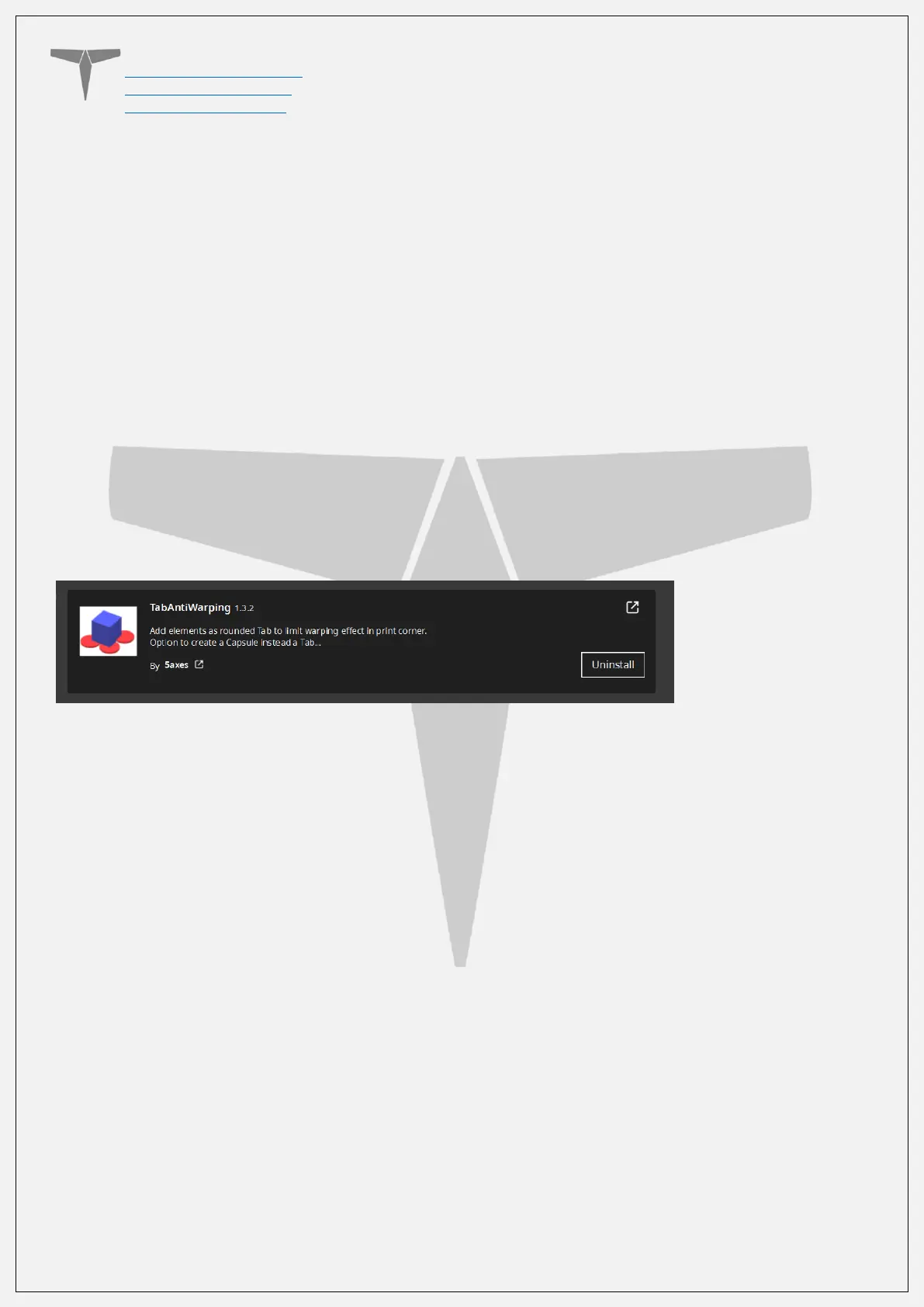
glue stick on the print surface to improve adhesion. Cura also has a plugin that can be
used to help with bed adhesion and to avoid warping.
Cura Marketplace: TabAntiWarping Plugin.
When installed, use the new icon at the bottom of the left menu to choose tab diameter
and thickness, then click on the model to add a tab at each point you think is at risk of
warping or poor adhesion (typically parts with low surface area in contact with the print
surface in relation to their height). These new tabs can now be moved around to fine
tune their position using the normal move controls on Cura.


 To Next Page