MAX 31 / 63
Tensioning
MAX (automatic maintaining of the tension
force):
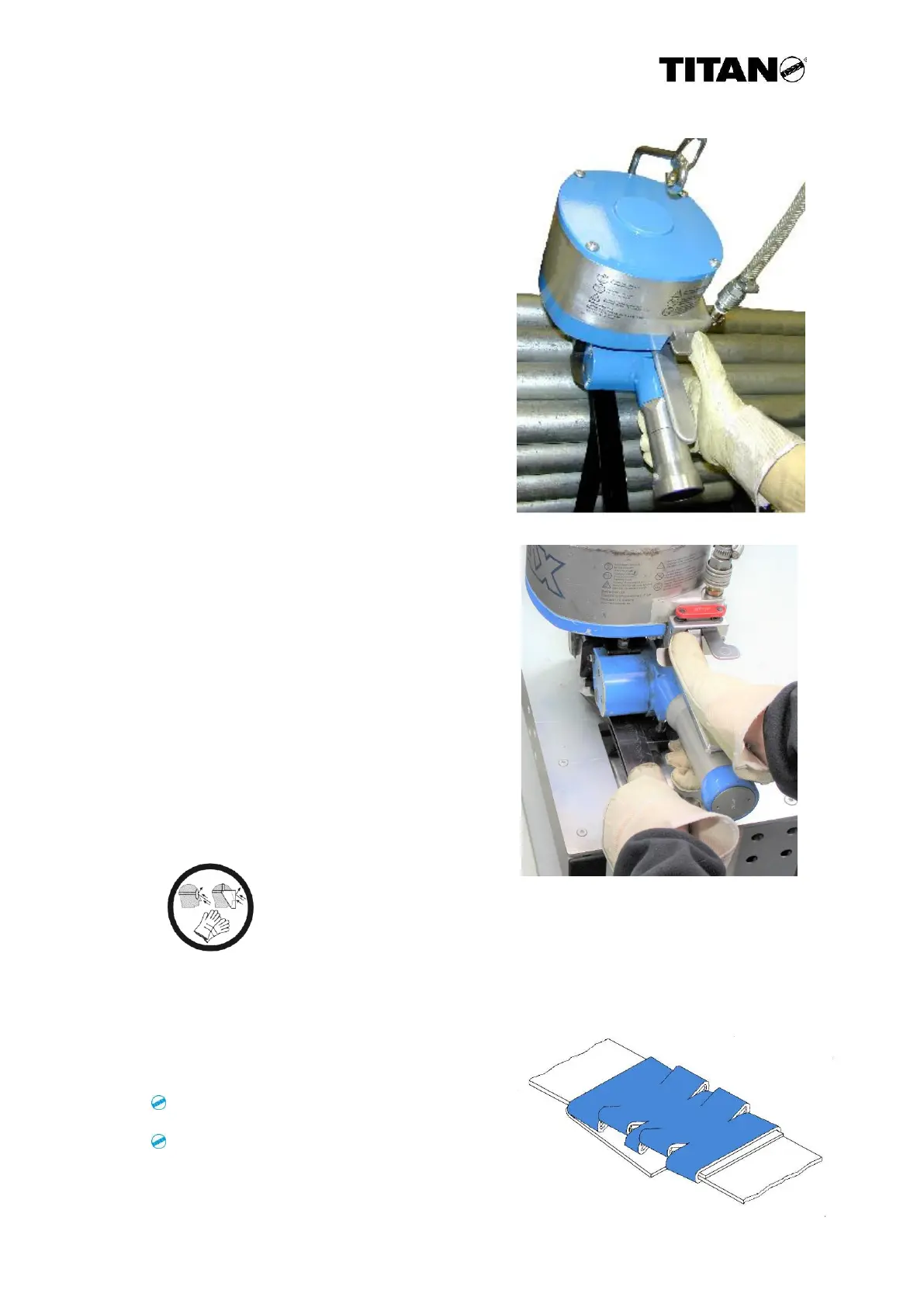
Press the right switch-on key with the thumb
of your right hand. The key is caught, until
the tensioning is finished. The staff can
interrupt the tensioning by pressing the red
key on the right side.
Max with needle bearing (no automatic
maintaining of the tension force):
The MAX with needle bearing allows for
loosening and repositioning of the strapping at
the package after reaching the tension force
(as described afore). Therefore, press the stop
button, reposition the strap and repeat the
tensioning process.
Sealing
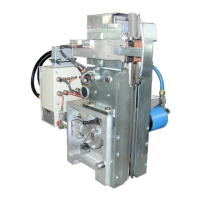
Use the thumb of your right hand to press
the left switch-on key until the sleeve is
closed and the band is cut.
The unit then releases the seal. Hold the
end of band cut with your left hand and
press the lifting lever and the compressed
air motor.
To be sure that the unit formed a clean seal, check the strapping thoroughly.
The following picture shows a correctly carved seal.
Check the seals regular:
for crackings on the sleeve
and
for neat cutting edges.
Caution! Strap end!
Hold the cut strap end with the left hand. For this work, wear
eye, face and hand protection (cut-resistant gloves). The cut
strap end can spring back and is sharp-edged.


 To Next Page